Receiving Ticket Lookup
Note
This functionality is available if Sage Paperless Construction is bridged to Acumatica or Vista™ by Viewpoint accounting systems. It is also available if you are bridged to Sage 300 CRE and have the PO module is configured.
From My Paperless, click .
In the APFlow™ navigation bar, click Receiving Ticket Lookup.
The Receiving Ticket Quick List page displays:
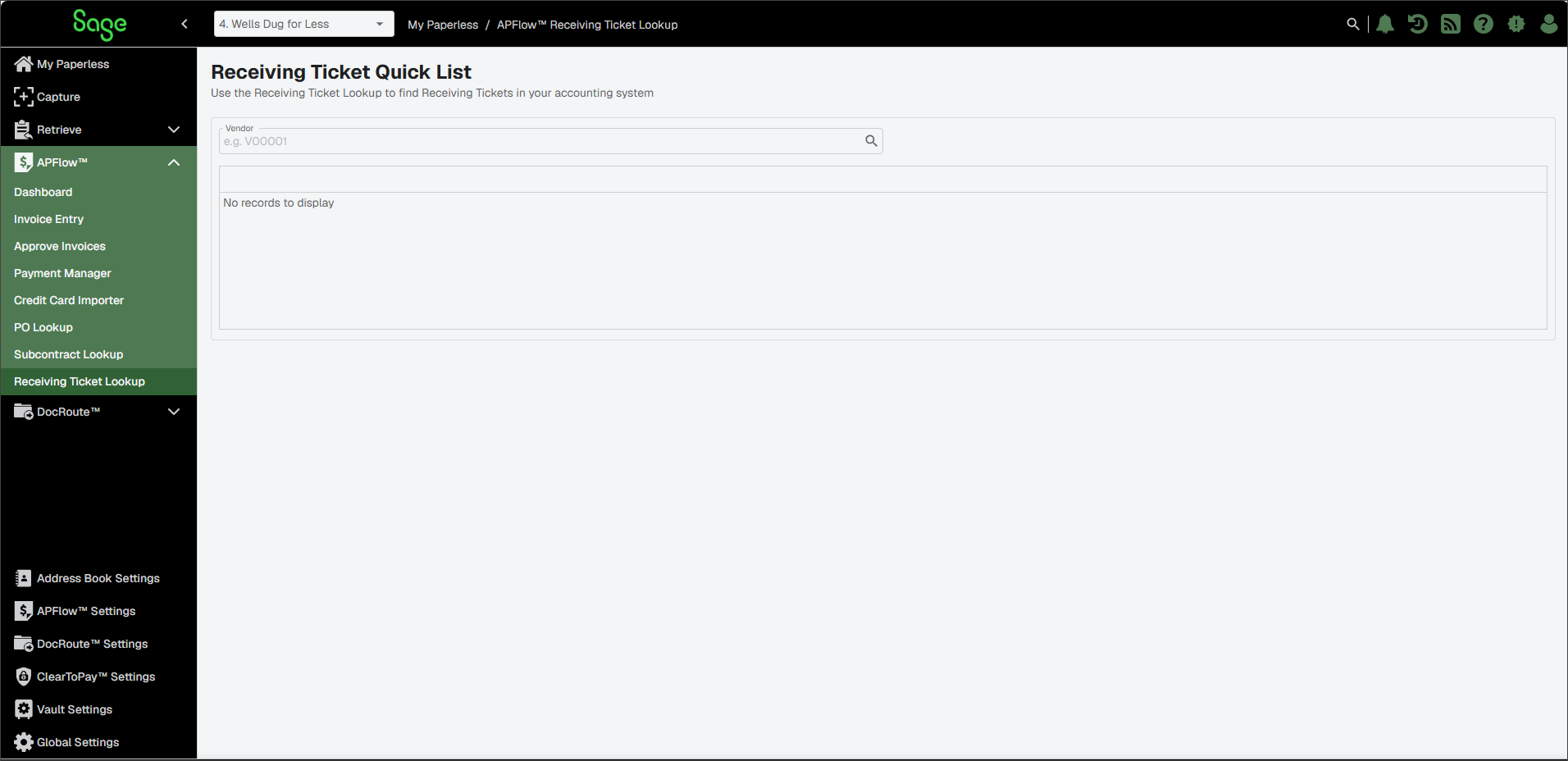
In the Vendor field, click the Lookup
 icon to select the appropriate vendor.
The Vendor Lookup dialog resembles the following:
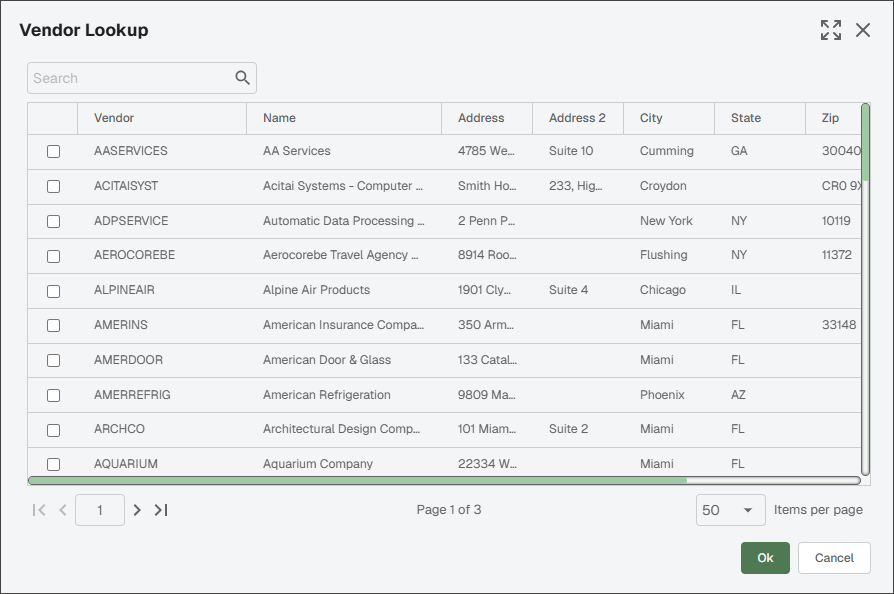
Click the check box to select the vendor.
Click .
The Receiving Tickets associated with that vendor display:
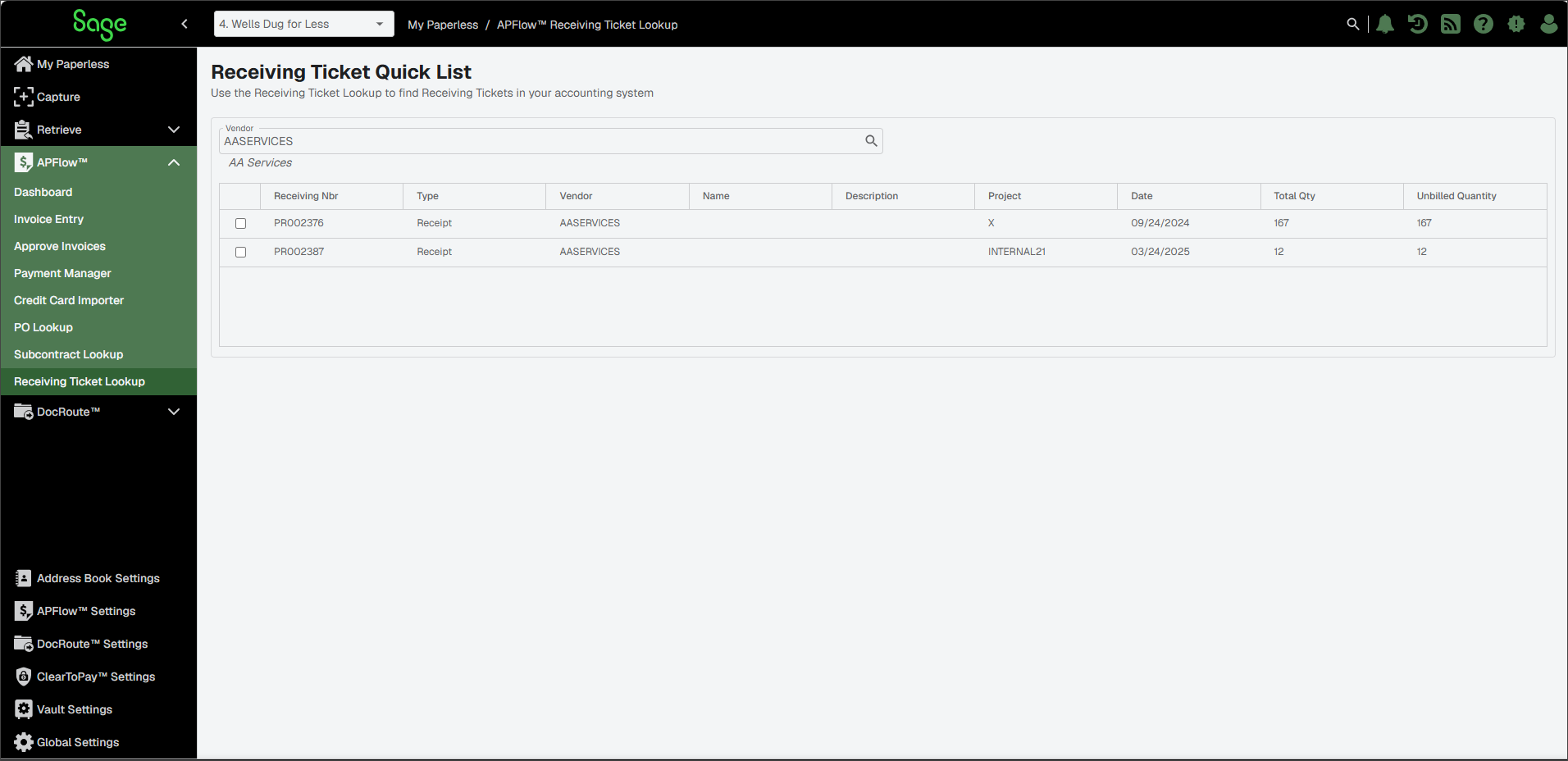
Click the check box associated with the lookup results entry.
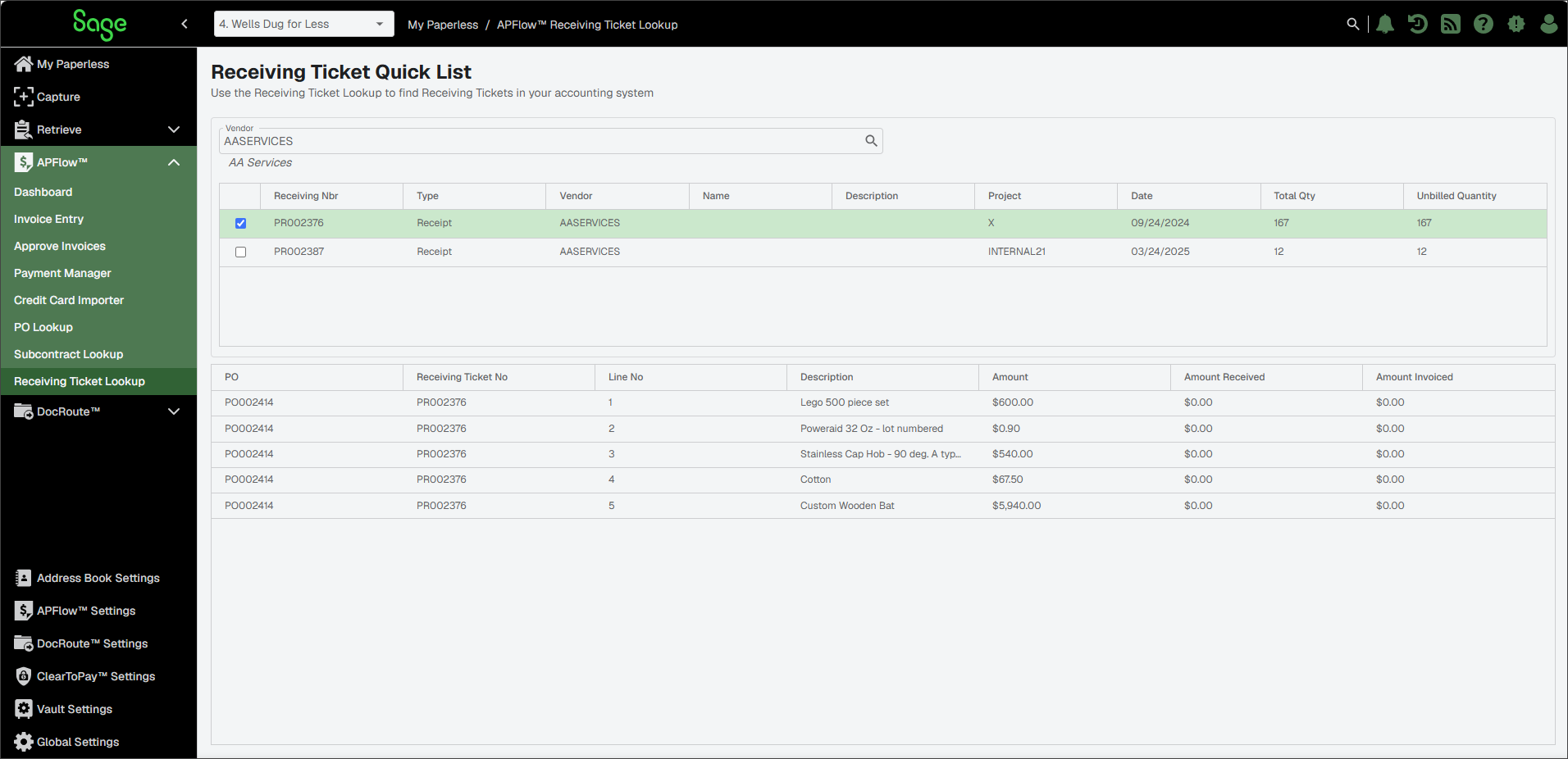
The Receiving Ticket Quick List page redisplays:
Click in the left navigation menu to access the Invoice Entry page.
Add a new invoice or select an existing invoice.
Click the New line
 icon.
icon.From the dropdown, select Receiving Ticket Quicklist.
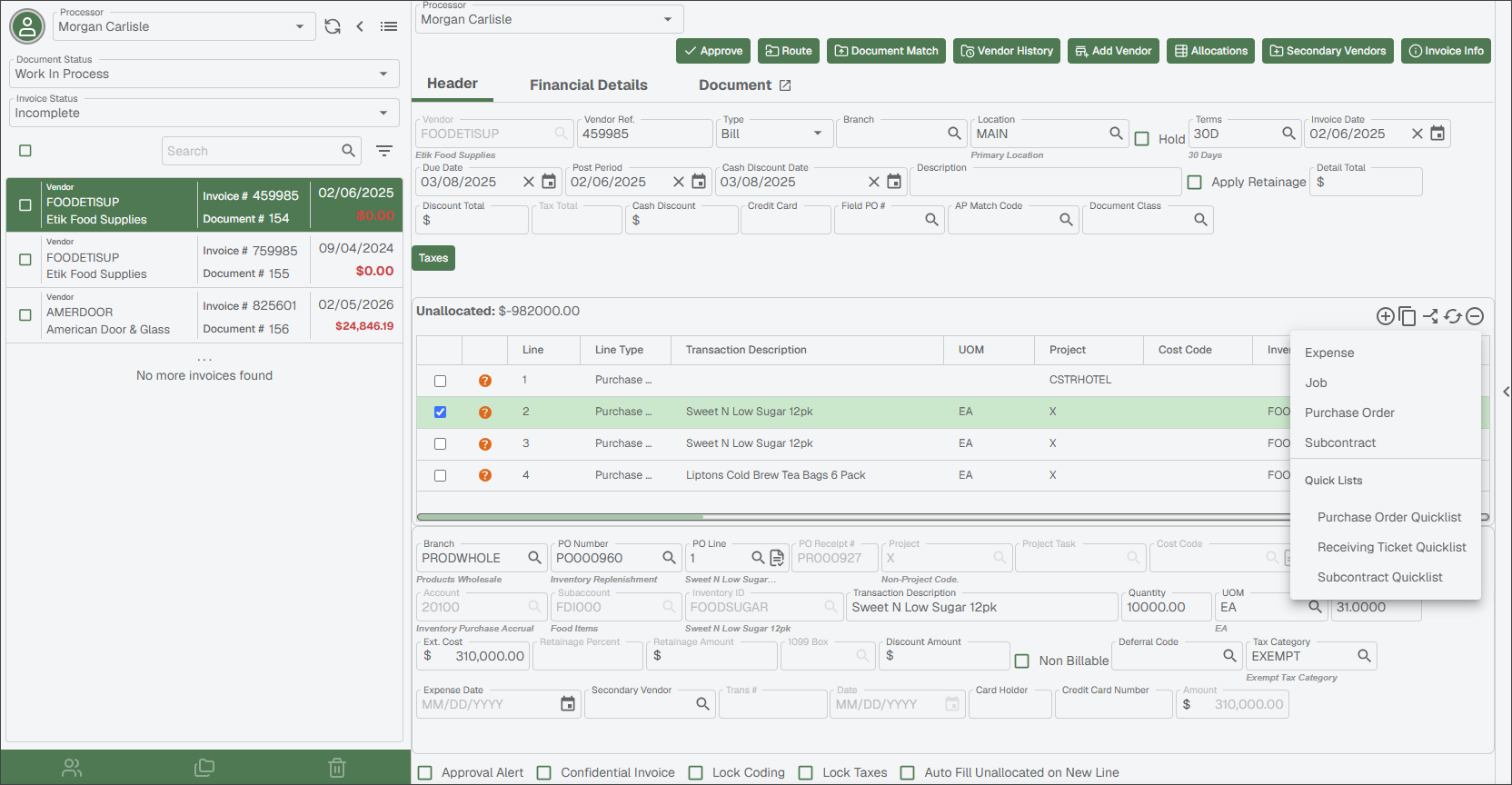
A dialog similar to the following displays:
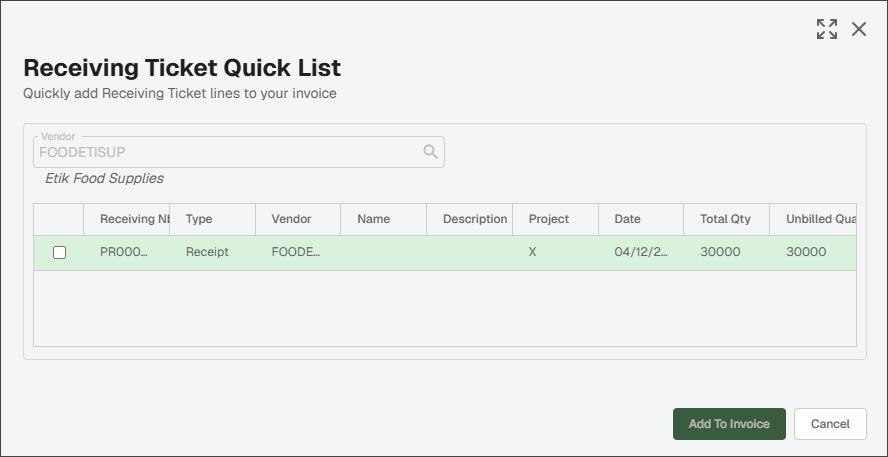
Select the receiving ticket.
The dialog expands to resemble the following:
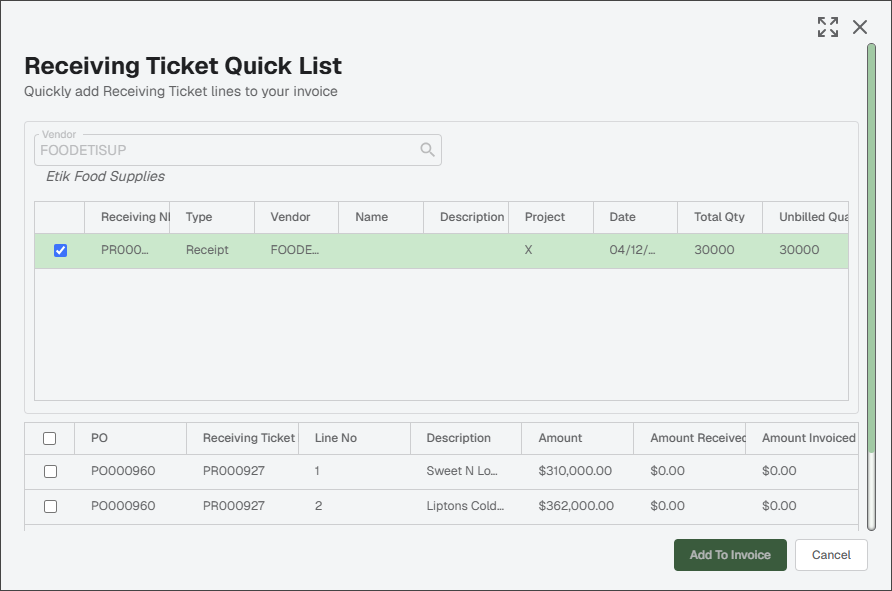
Select the check box for the receiving ticket entry, then click .
A Purchase Order line entry in the middle pane populates with the receiving ticket information.