Follow Up on an Existing Route
From My Paperless, click .
In the DocRoute™ navigation bar, click .
A page similar to the following displays:
In the Queues pane, click the Status dropdown and select .
The Route tab displays a route similar to the following
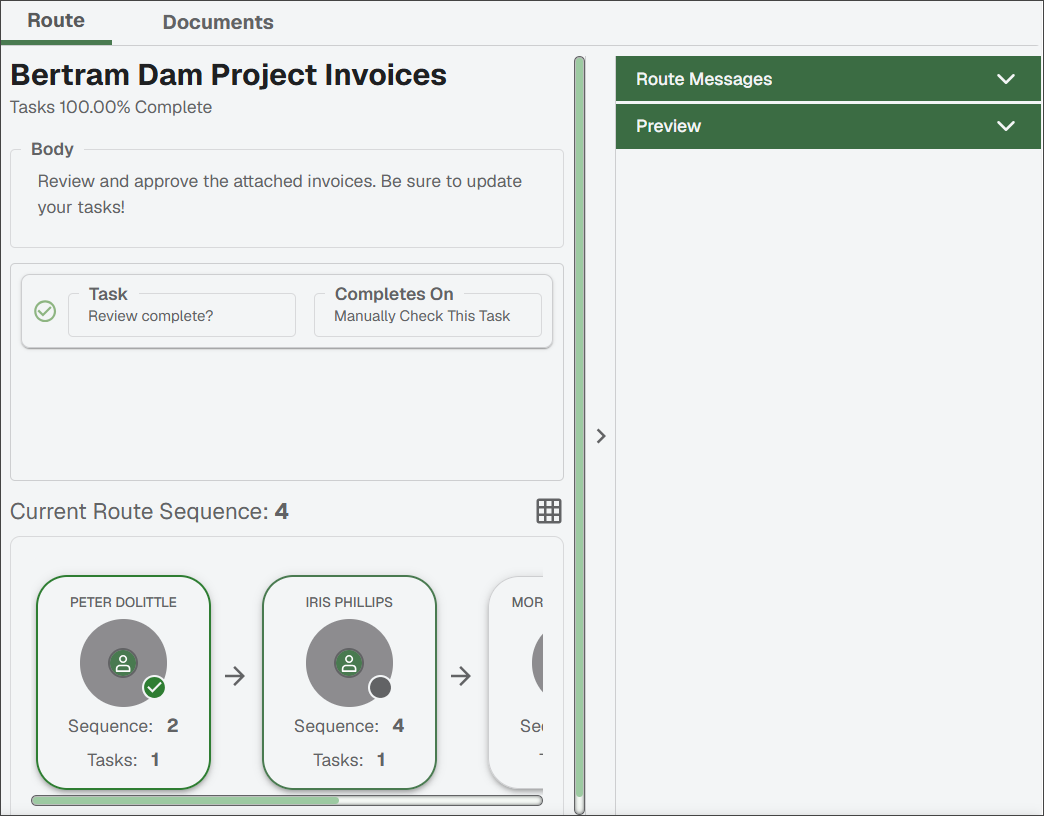
Click one of the cards in the route.
Notice
Notice that the task is marked as complete beneath the title. You can click through the route cards (or through the grid list if that is your display) to see who last approved the route and who has yet to approve it.