Set Vault Theme
Complete the following steps to select the default theme for your current vault. Theme impacts the primary and secondary colors for font, backgrounds and buttons.
The default theme you set here displays for all vault users unless they have configured their own theme on their page. See Choose a Theme for more information.
From My Paperless, click .
In the Vault Settings navigation bar, click .
The following page displays:
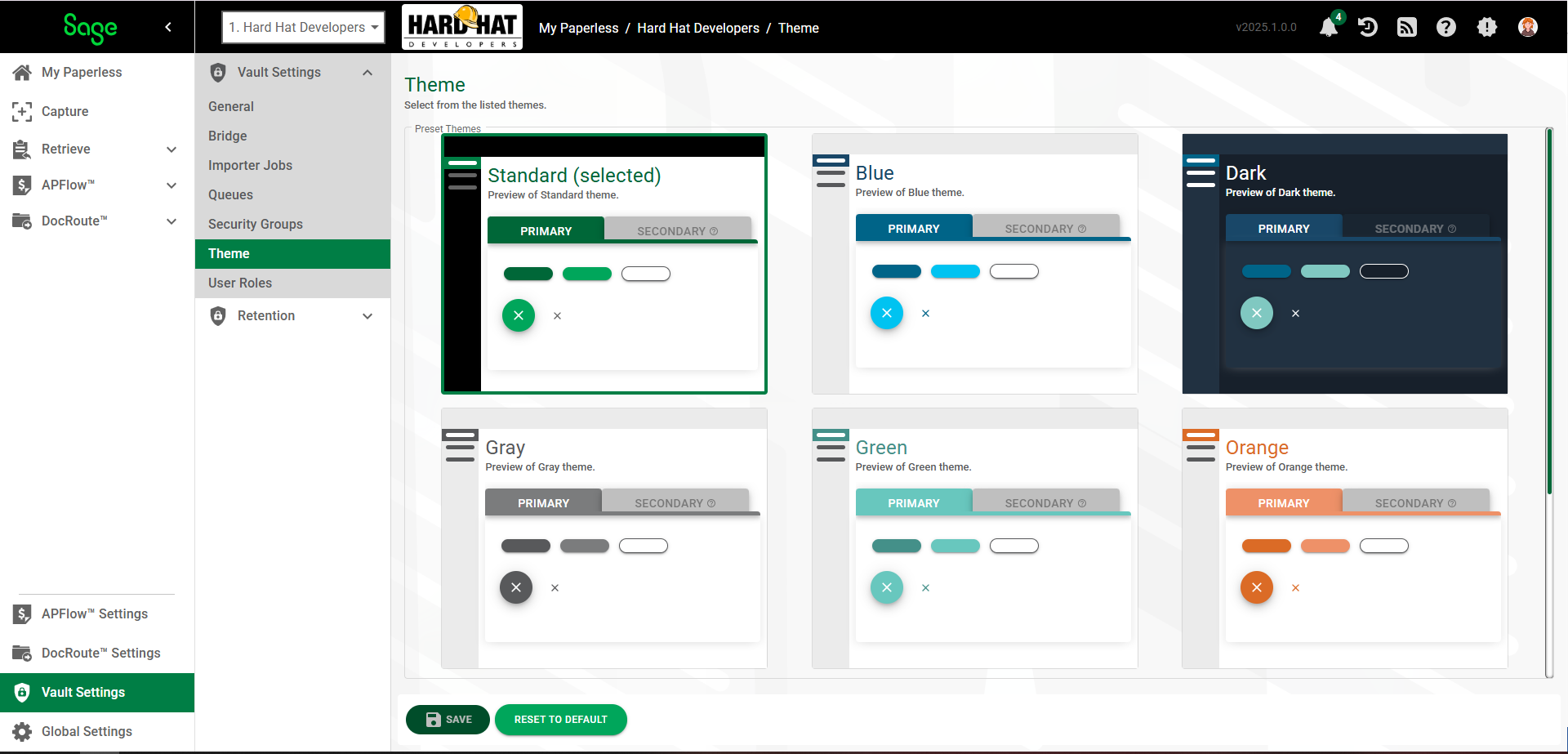
Select a theme from the list and click .