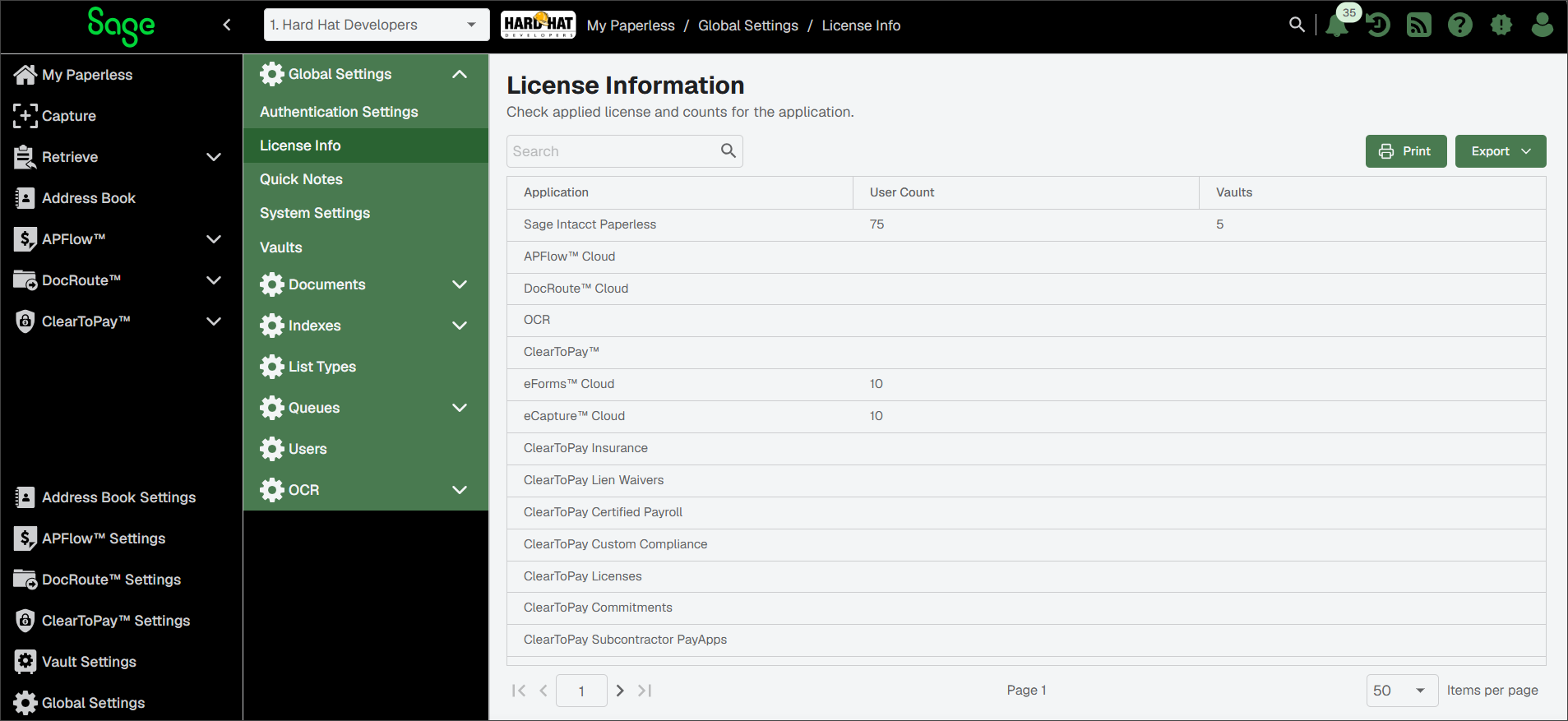
License Information
Sage Paperless Construction and the purchased modules require license codes to operate. Contact your Sage reseller for additional module or user licenses.
Important
If a subscription has expired or the allocated license count is exceeded, users receive reminder notifications when logging in to the system. If the issue remains unresolved beyond the allowed grace period, access to Sage Paperless Construction is restricted and users cannot log in.
Note
You must have System Administrator permissions to view and manage purchased license codes.
From My Paperless, click .
In the Global Settings navigation bar, click . The Application Information page displays three columns:
Application: Module name
User Count: The number of users assigned to the module
Vaults: The number of purchased vaults