System Quick Notes
Quick notes can be added many places within Sage Paperless Construction, including to documents, invoices, routing, etc.
If users are typing the same text repeatedly, System Administrators can complete the steps below to create a "System Quick Note" that others can select the text from a list and then paste it into the note they are entering to save time.
Note
Individual users (who are not System Administrators) can also add their own personal quick notes within User Settings. See Create Personal Quick Notes for more information.
From My Paperless, click .
In the Global Settings navigation bar, click .
A page similar to the following displays:
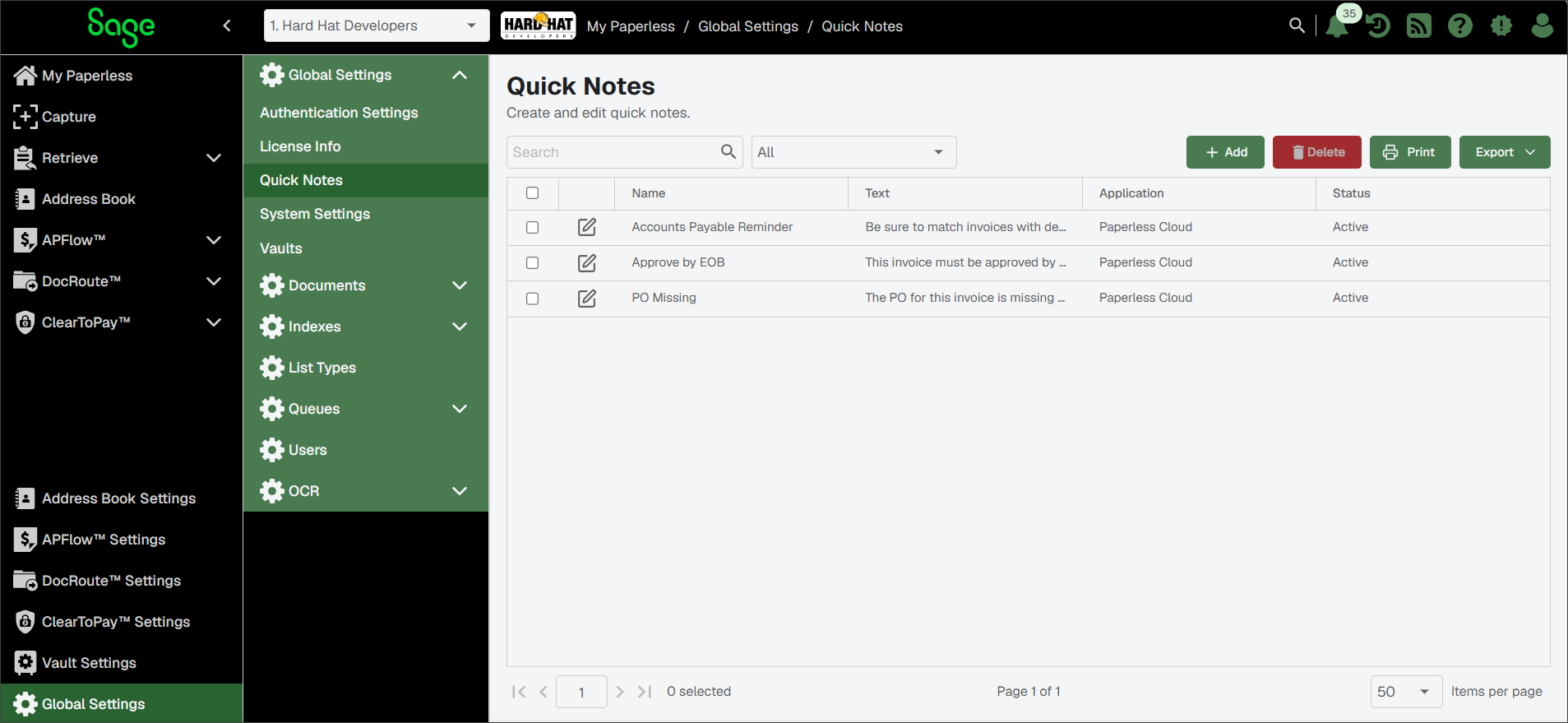
Create a System Quick Note
Complete the following steps to create a note that can be shared by other users:
Note
Individual users (who are not System Administrators) can also add their own personal quick notes within User Settings. See Create Personal Quick Notes for more information.
Note
For information on adding a quick note to a document, see Document Notes.
From the Quick Notes page, click .
The Quick Notes Properties page displays with the General tab active:
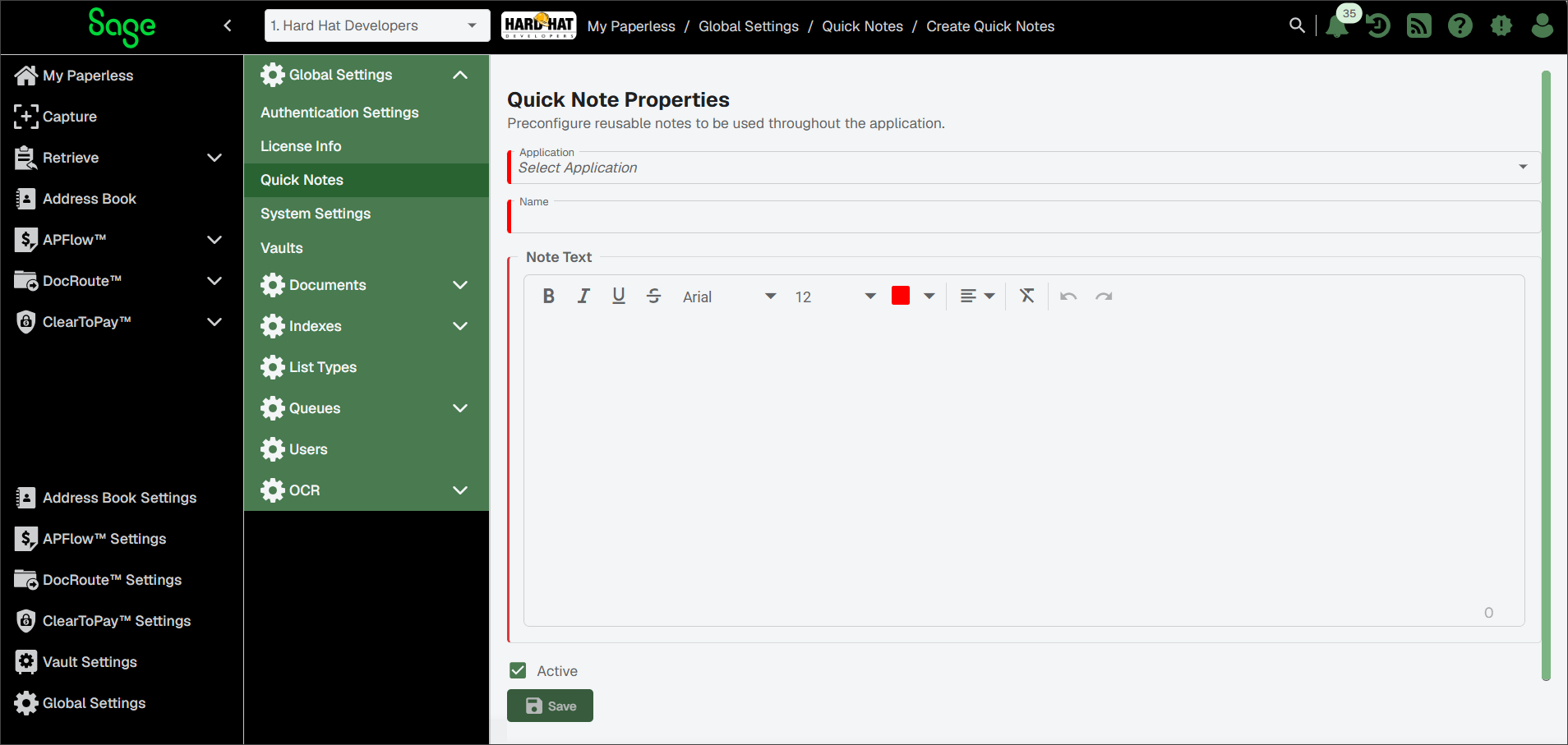
Select an option from the Application dropdown:
Note
Options may vary depending on which modules are licensed.
Sage Paperless Construction (default): Notes are available throughout the system
APFlow™ Cloud: Notes are available only in the APFlow module.
ClearToPay™: Notes are available only in the ClearToPay module.
DocRoute™ Cloud: Notes are available only in the DocRoute module.
In the Name field, enter the quick note name as it should display for users to select.
In the Note Text field, enter the actual note text.
Select the check box to make the quick note available to users in your designated application.
Click .