Export Approved Invoices
Once invoices are approved by all assigned reviewers they are ready to be exported from Sage Paperless Construction and imported into the bridged accounting system.
From My Paperless, click .
From the APFlow™ navigation bar dropdown, click .
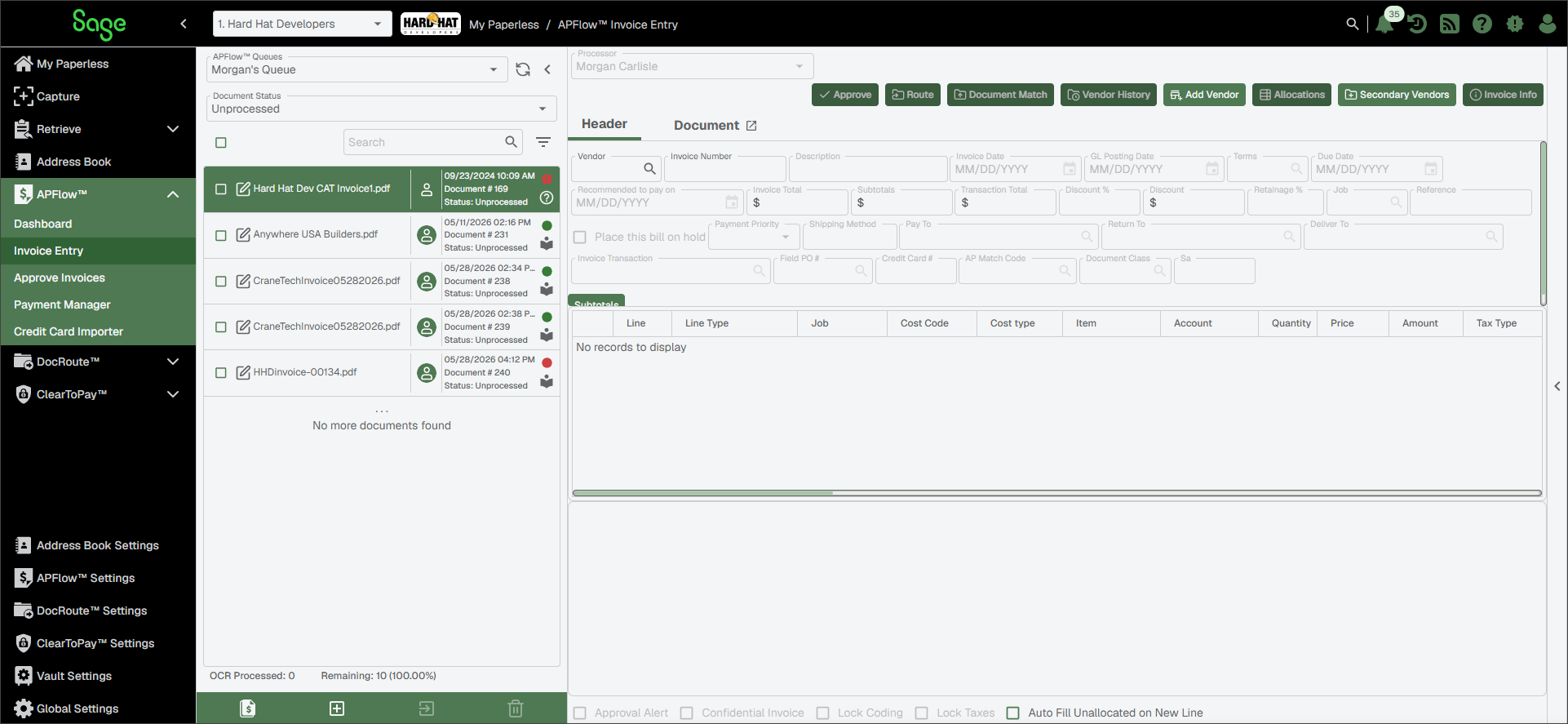
A page similar to the following displays:
From the Document Status dropdown, select .
A page similar to the following displays:
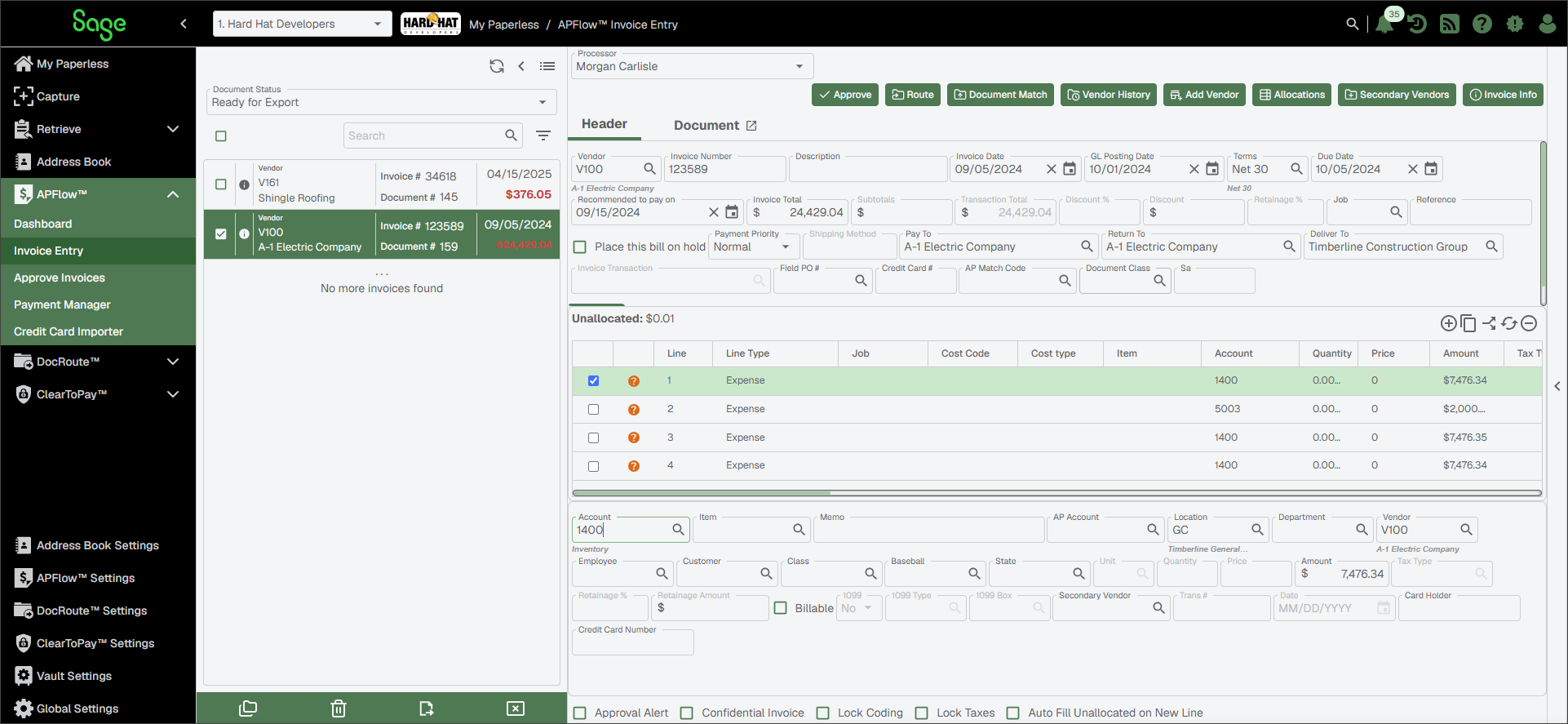
Highlight the invoice to export.
Click .
Use this function to export the active invoice only.
Important
If you have multiple invoices needing to be exported, you can click the Export Invoices
 icon.
icon.