Reports
Sage Paperless Construction contains many reports that provide additional information on how the system is set up and details about documents stored in the system. Only the reports that the user has permissions to view are listed. See Reports List for the full list and a description of each available report.
From My Paperless, click .
In the Retrieve navigation bar, click .
A page similar to the following displays:
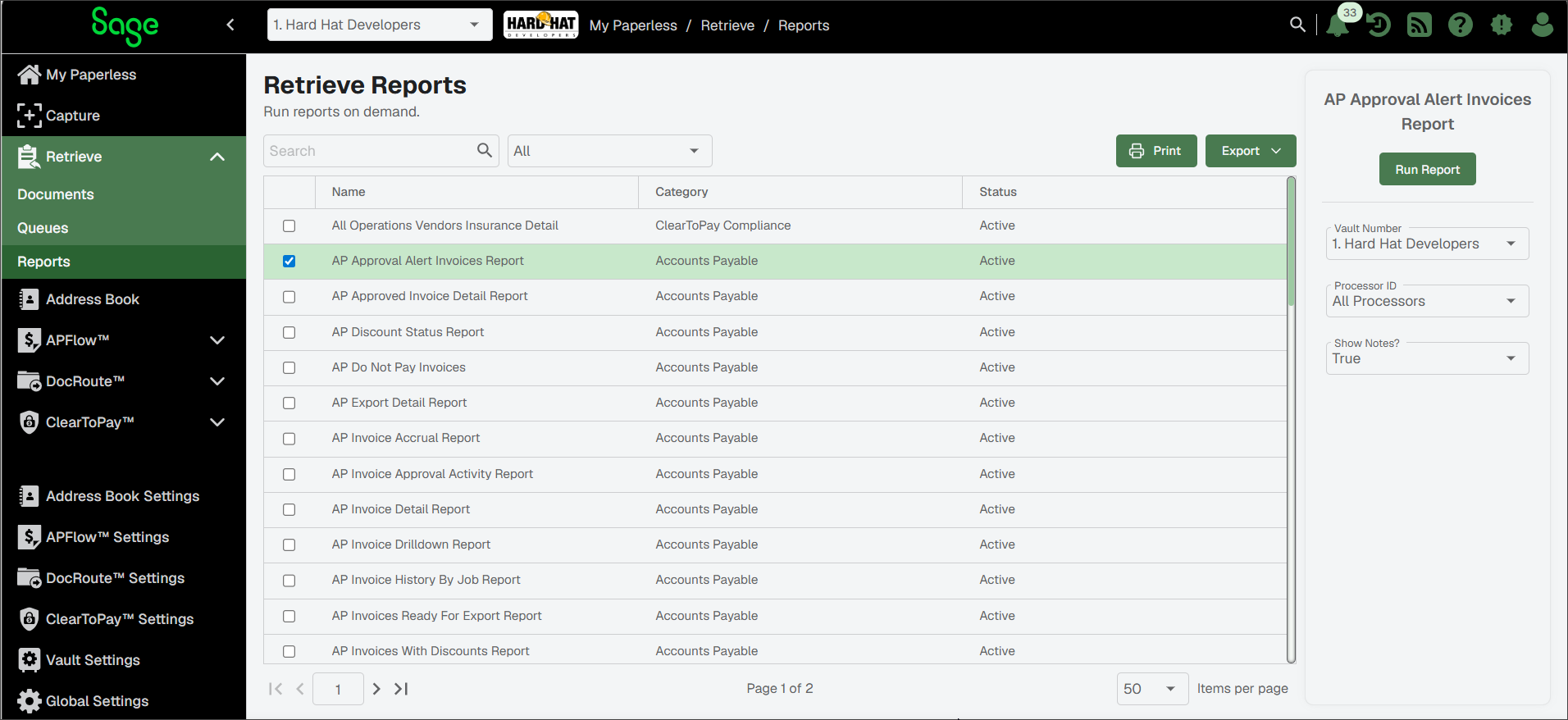
Select one of the reports from the list. Its parameters display in a pane on the right.
Note
When you are looking for a specific report and either cannot remember the exact name or you just want to streamline the list of reports to look through, you can narrow your search. Enter a keyword in the Search field (upper right corner) and then click the Search
 icon. Only the reports matching the keyword you entered display in the list.
Each report has run-time parameters than can be manipulated to change the details included in the report. Update the values in the Parameters fields as necessary.
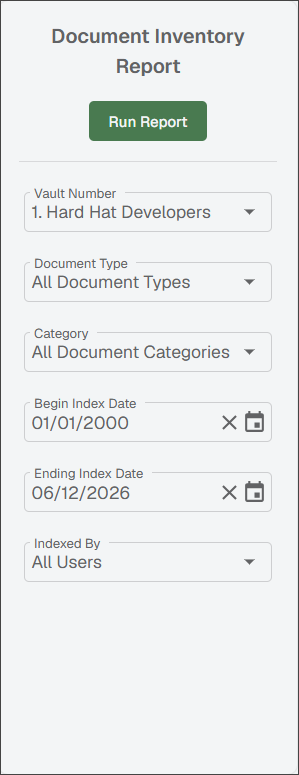
(Optional) For reports that include currency symbols and time zones, these settings can be updated in the following locations:
To modify the time zone displaying on your reports, access the page. See Update My Profile for more information.
To modify the currency symbol displaying on your reports, access the page. See Vault Settings for more information.
Note
You must have system or vault administrator permissions to access this page and make vault-specific changes.
Click .
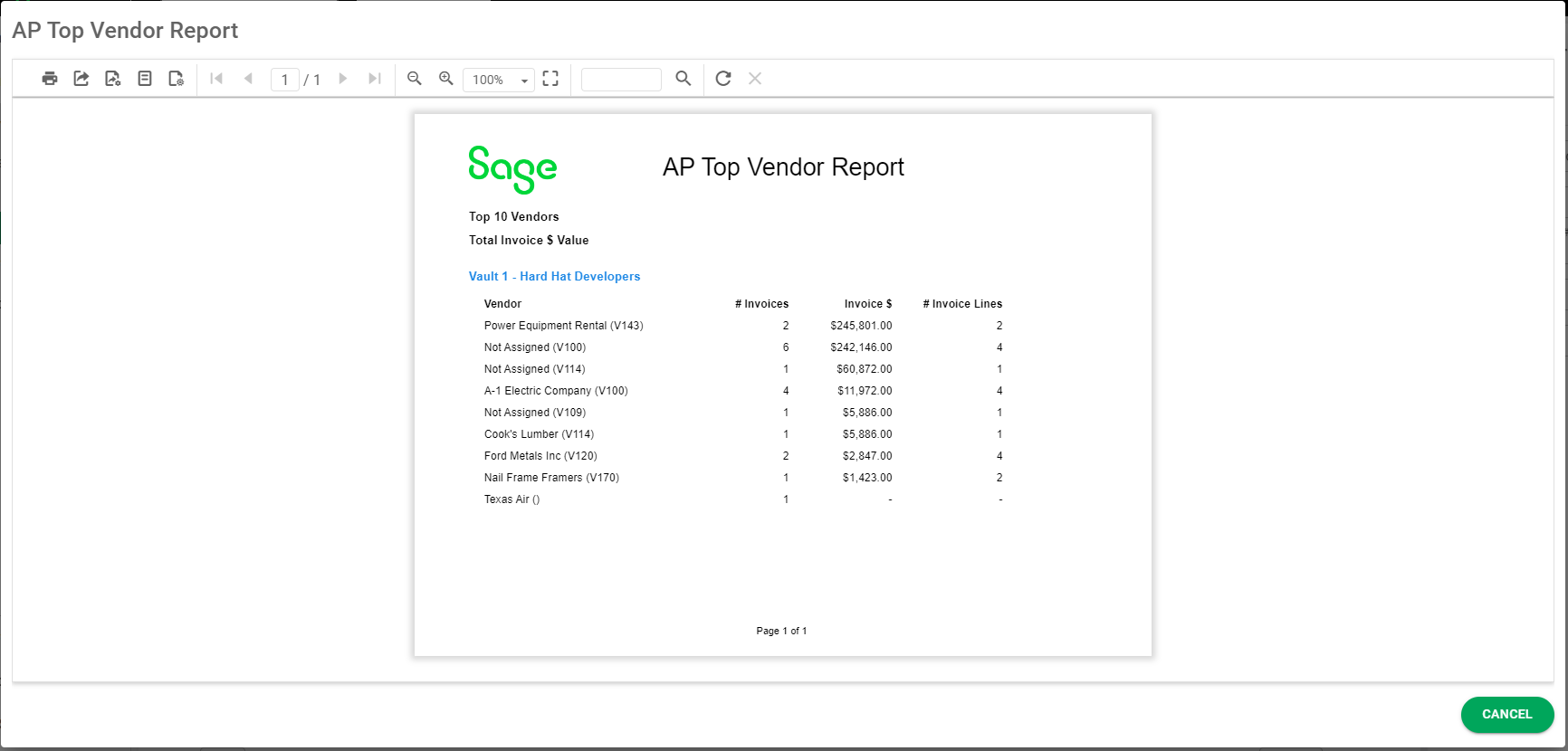
The selected report displays in a separate page. They can be printed, exported or emailed.