Download and Use the eCapture™ App
To use eCapture, you must first download the application from the Apple App Store for iPhones and iPads, or from the Google Play store for Android phones and tablets. The app has the following icon:
 |
Once the user has downloaded the app and the administrator has configured the permissions, complete the following steps to log in to eCapture:
Open the Sage Paperless Const. eCapture application.
The following login screen displays:
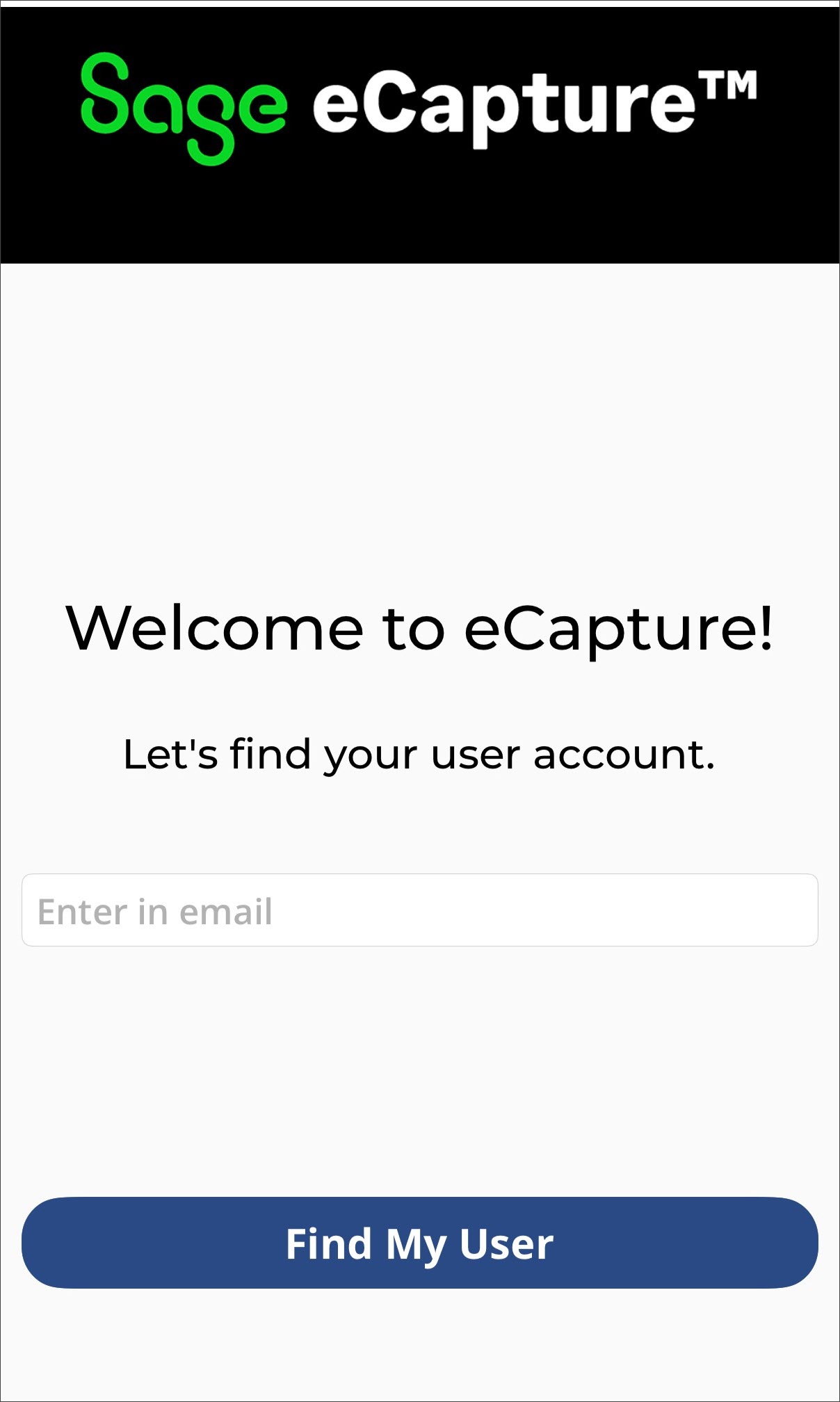
Enter your email address.
Note
Use the email address that your invitation to Sage Paperless Construction (or specifically eCapture) was sent to.
Click .
Note
If you have multiple accounts, select the one you want to link to eCapture.
In the USERNAME OR EMAIL field, type in your email address as it was originally set up.
In the PASSWORD field, enter the password you used when you confirmed your email address.
(Optional) Click to generate an email link for resetting a forgotten password.
Toggle to the right to save your information on the device so re-entering it in the future is not necessary.
Click .
Click in the upper right of your screen to access the eCapture app's settings and device information:
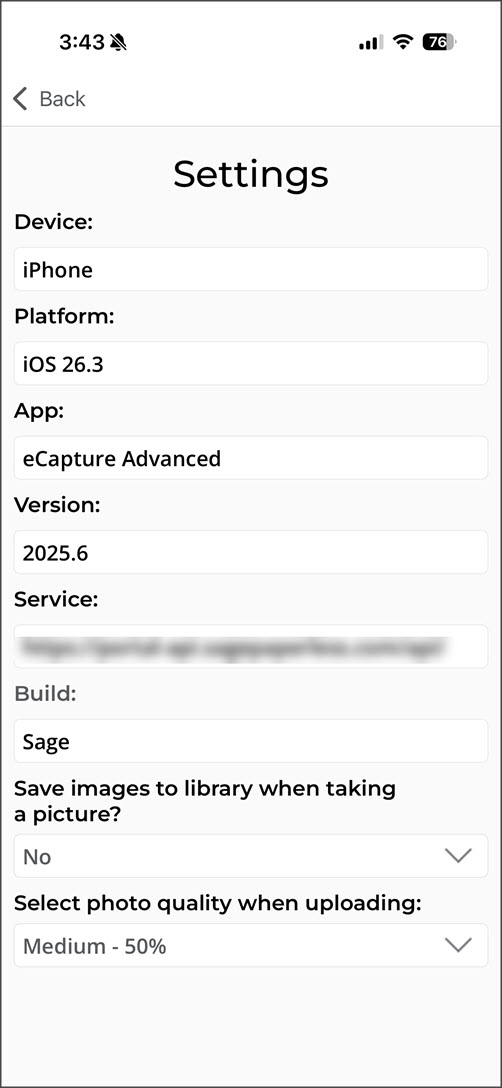 |
From here, you can see device information, the app version and service.
Select from the Save images to the library when taking a picture dropdown if you want to keep a copy of the eCapture image on your device. You can also change the photo quality for uploaded photos from this screen.
When you are ready to submit your document, invoice, photo, etc. to eCapture™, you can select either Take Photo or Photo Gallery.
| Click to open your camera and take a photo directly. You may need to give eCapture access to your device's camera. | ||
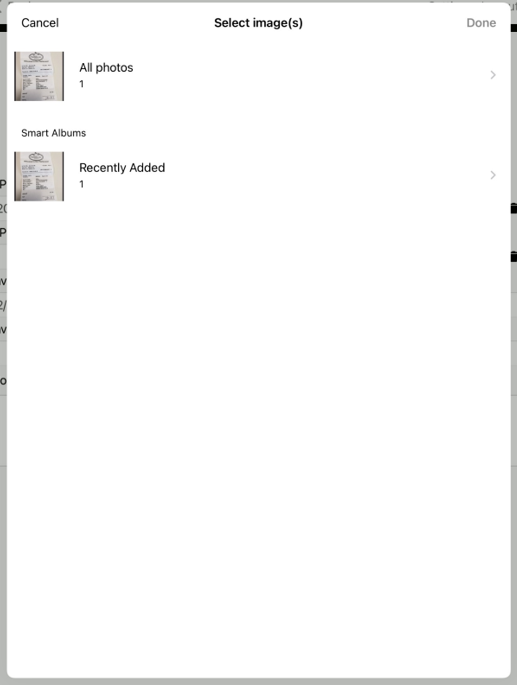
| Click to upload a photo saved on your device to eCapture. The gallery displays photos similar to the following:
|