System Settings
The System Settings page contains system wide settings that impact all users.
Important
You must have System Administrator permissions to configure these settings.
From My Paperless, click .
In the Global Settings navigation bar, click .
A page similar to the following displays:
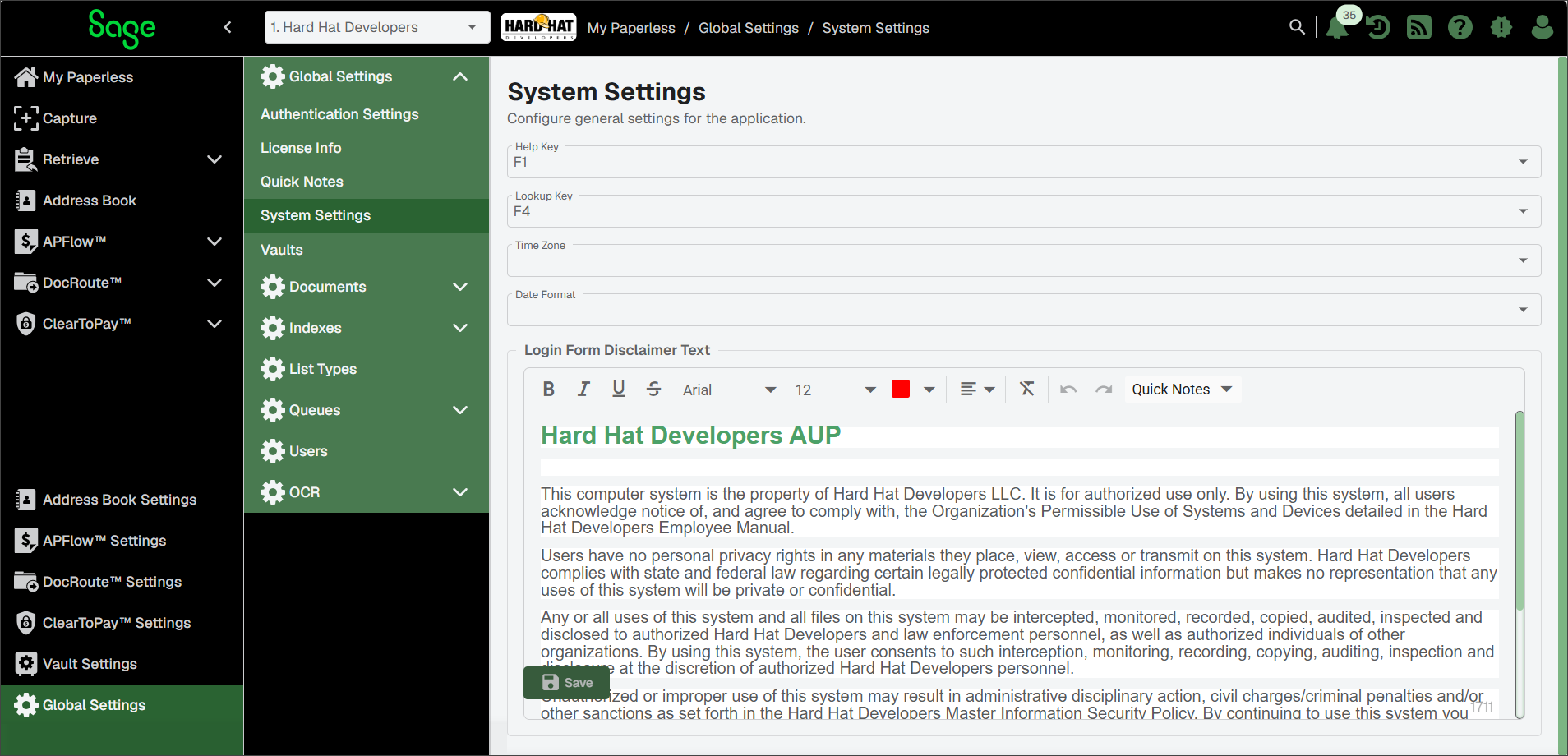
Help Key | This setting assigns a hot key to launch the help documentation from anywhere in the Sage Paperless Construction system. NoteIf the help key is unresponsive, press the key at the same time as . If appropriate, change the help key from the default (F1), if a different help hot key is associated with the accounting system. | |
Lookup Key | This setting assigns a hot key to launch Sage Paperless Construction's Lookup Utility anywhere in the system with field lookup functionality. NoteIf the lookup key is unresponsive, press the key at the same time as . If appropriate, change the lookup hot key from the default (F4), if a different lookup hot key is associated with your accounting system. In the Lookup Key field, press one of the function keys on the keyboard () to assign that function key as the hot key for performing lookups in the system. | |
Time Zone | This is where you identify the time zone that shows appropriately on output, such as reports. Access a list of time zone options through the dropdown. | |
Date Format | This is where you determine how all the date fields throughout Sage Paperless Construction are formatted. From the dropdown, view the format options and make your selection. | |
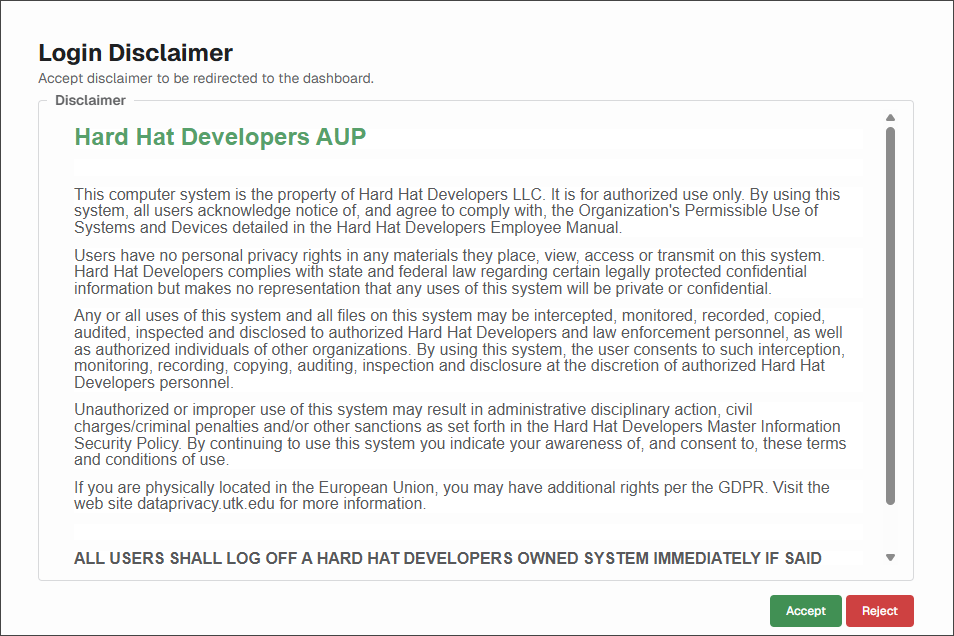
Login Form Disclaimer Text | This text box houses a special disclaimer statement created by your Administrator that displays just after you log in to the system. The following is an example of a special disclaimer statement:
The text that displays on this page is based on your company's preferences and could vary greatly. |