New User Login
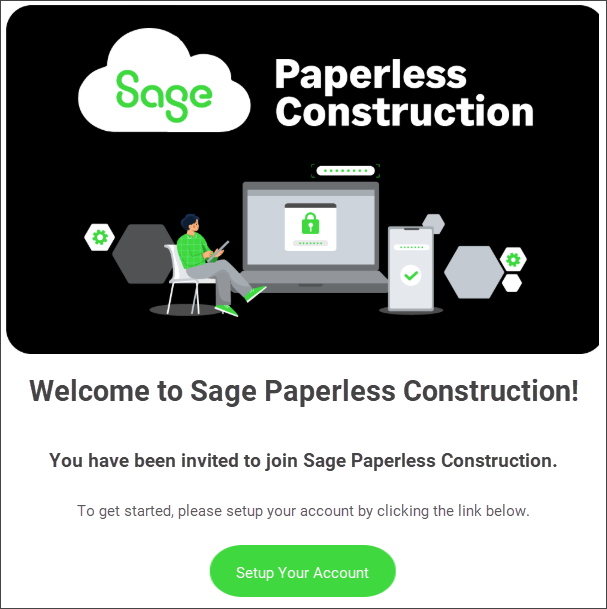
When your user account is created by a system administrator, you receive a welcome email that contains a link to set up your Sage Paperless Construction account:
Click .
Enter your password, then re-enter your password to confirm it.
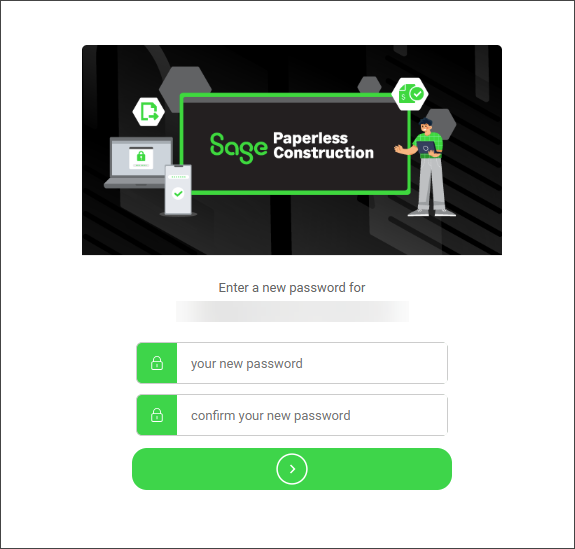
Click the arrow button to submit your new password.
A follow-up password confirmation dialog displays.
Enter your email address in the EMAIL field.
Enter your password in the PASSWORD field.
Click .
Note
The text that displays in the Login Disclaimer dialog is based on your company's preferences and may vary greatly. For more information on creating or modifying the login disclaimer text, see System Settings.
Upon successful login, the login disclaimer displays:
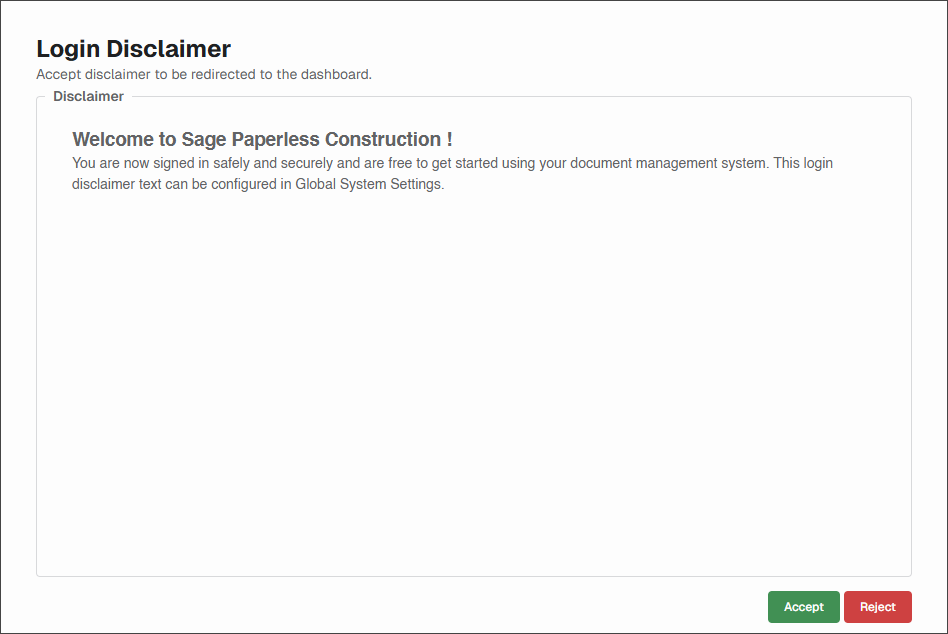
Click .
The My Paperless page displays. For more information, see My Paperless Dashboard.