Subcontract Lookup
A subcontract line can be added without having to enter an invoice. Subcontracts can be opened for any vendors existing in the accounting system.
From My Paperless, click .
In the APFlow navigation bar, click .
The Subcontract Quick List page displays:
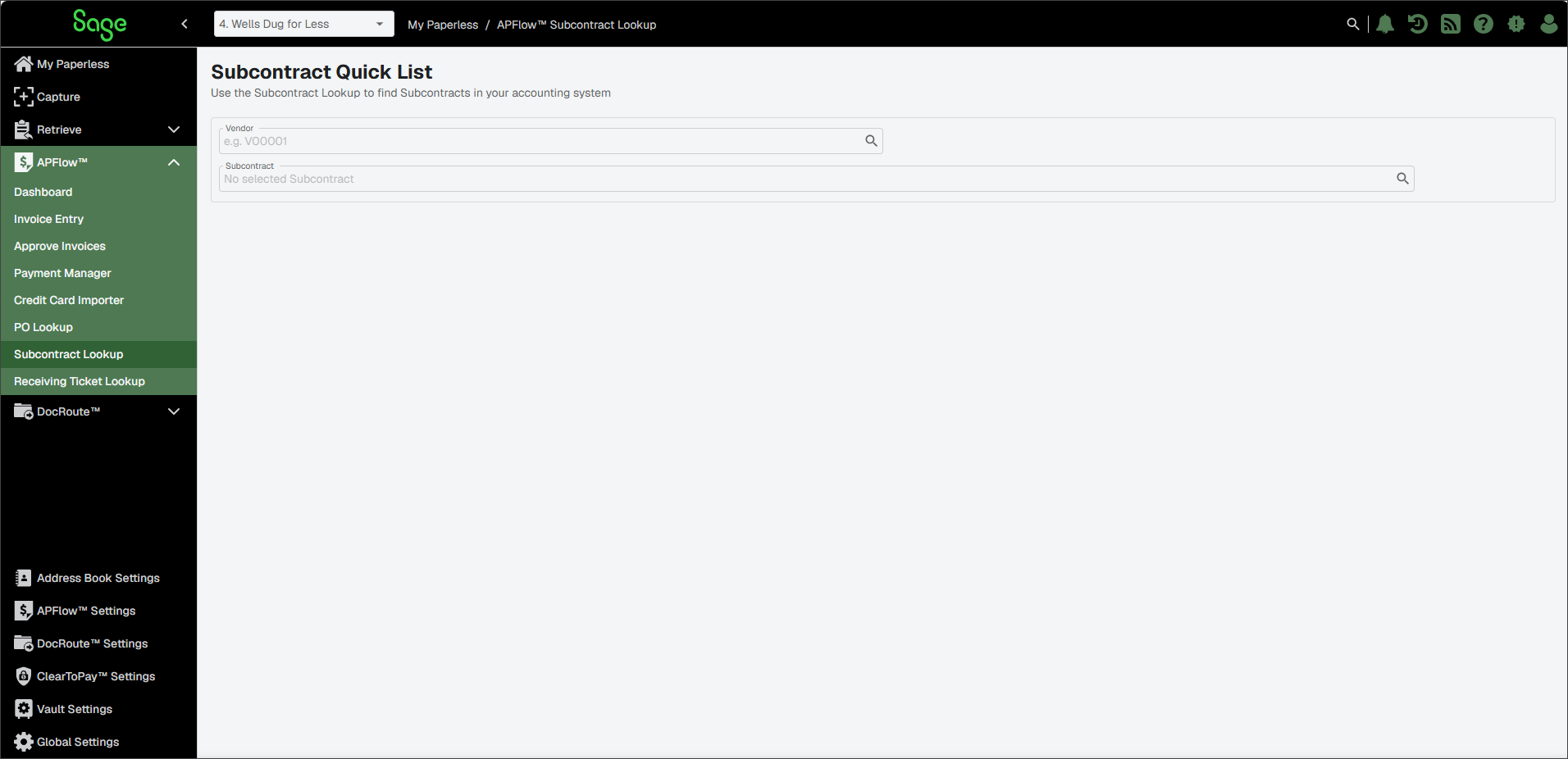
In the Vendor field, use the lookup to select the appropriate vendor.
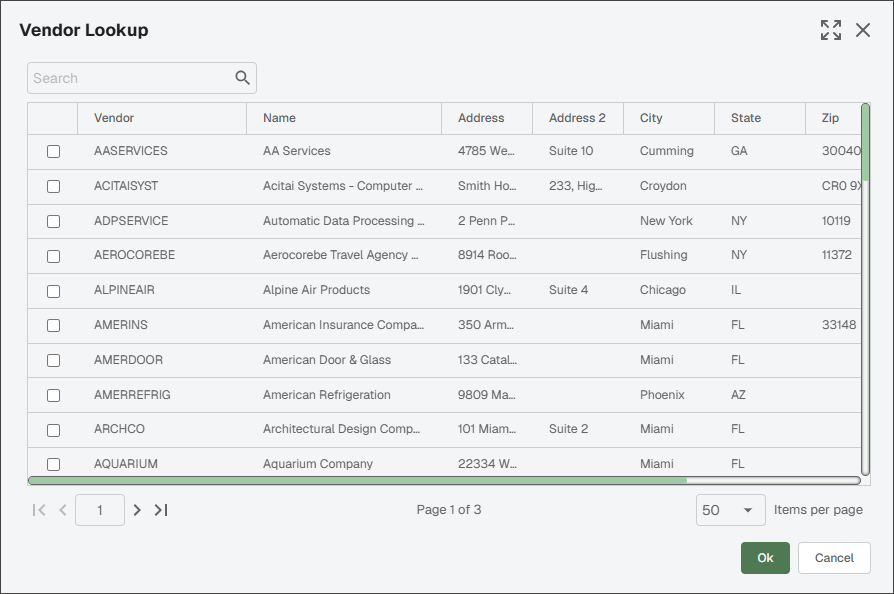
The Vendor Lookup dialog resembles the following:
Note
To view the entire dialog, click the Expand icon located in the upper right corner of the dialog. If you expand this Vendor Lookup list, Sage Paperless Construction remembers. Every time you access this particular lookup dialog, it opens either as expanded or collapsed—depending on how you viewed it the last time.
Click the check box to select the vendor.
Click .
In the Subcontract field, use the lookup to select the appropriate subcontract.
The Subcontract Lookup dialog resembles the following:
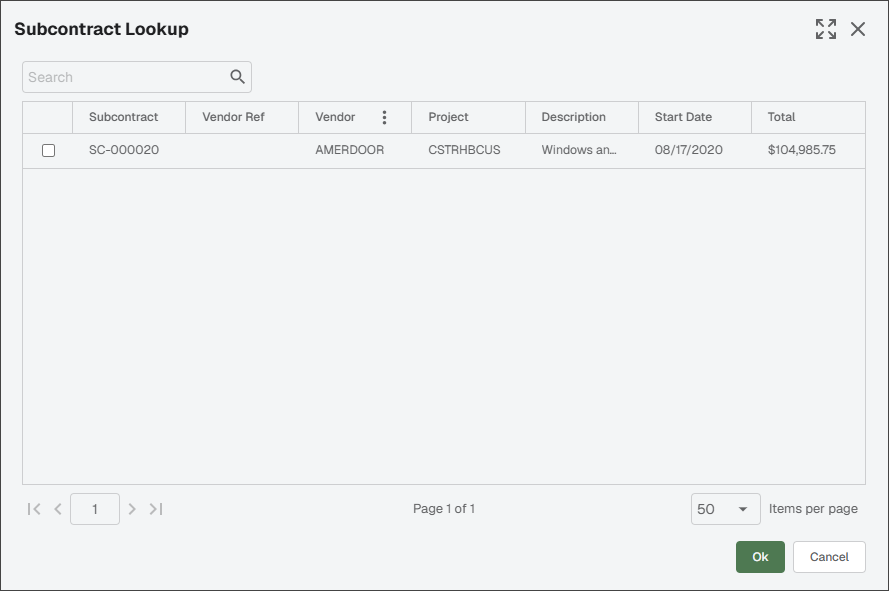
Click the check box to select the subcontract.
Click .
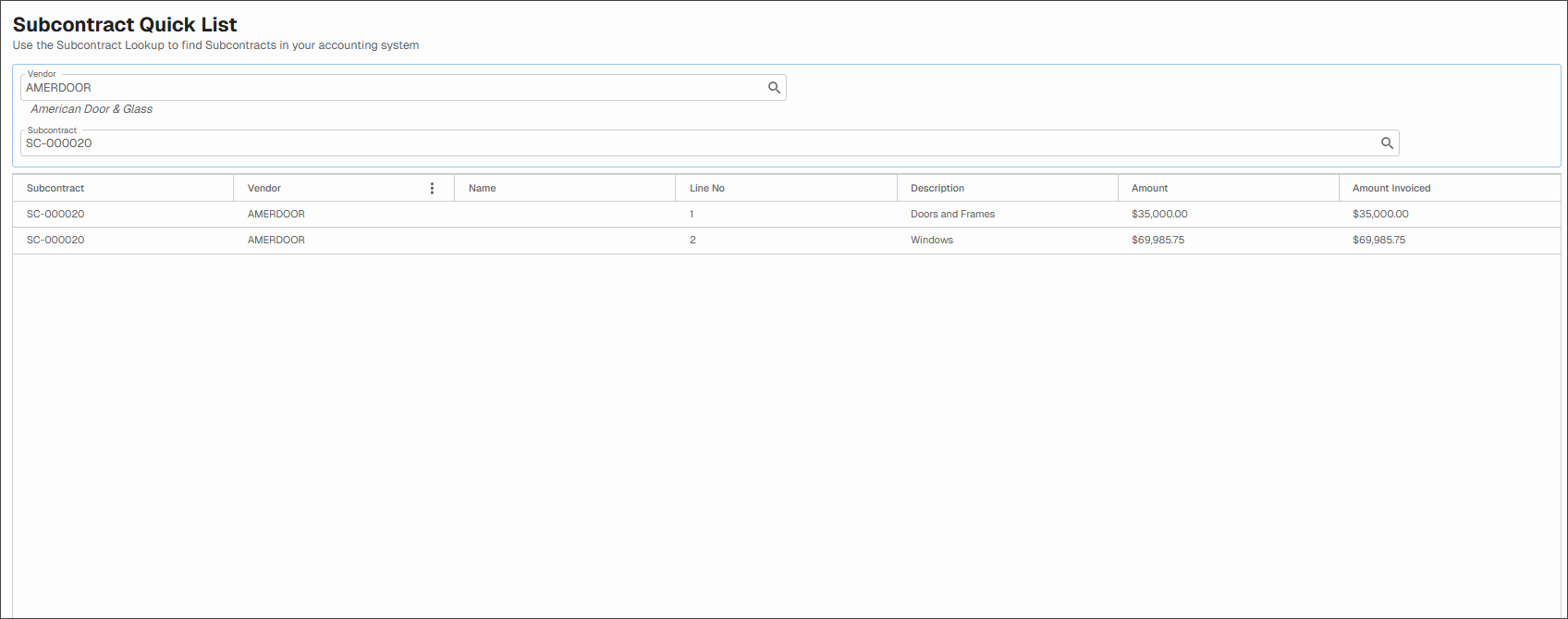
The Subcontract Quick List page redisplays: