APFlow™ Bank Account Permissions
Important
Users assigned to the Payment Manager role must be given access to any bank account(s) they use to review checks.
From My Paperless, click .
In the APFlow™ Settings navigation bar, click .
The following page displays. The bank accounts set up in your accounting system display in the Bank Accounts list in the left pane. All APFlow users with Payment Manager access are listed in the Users with Access to Account in the right pane.
Note
Bank account access is granted for each account separately. Users with Payment Manager access are only allowed to view check information for the bank accounts assigned here.
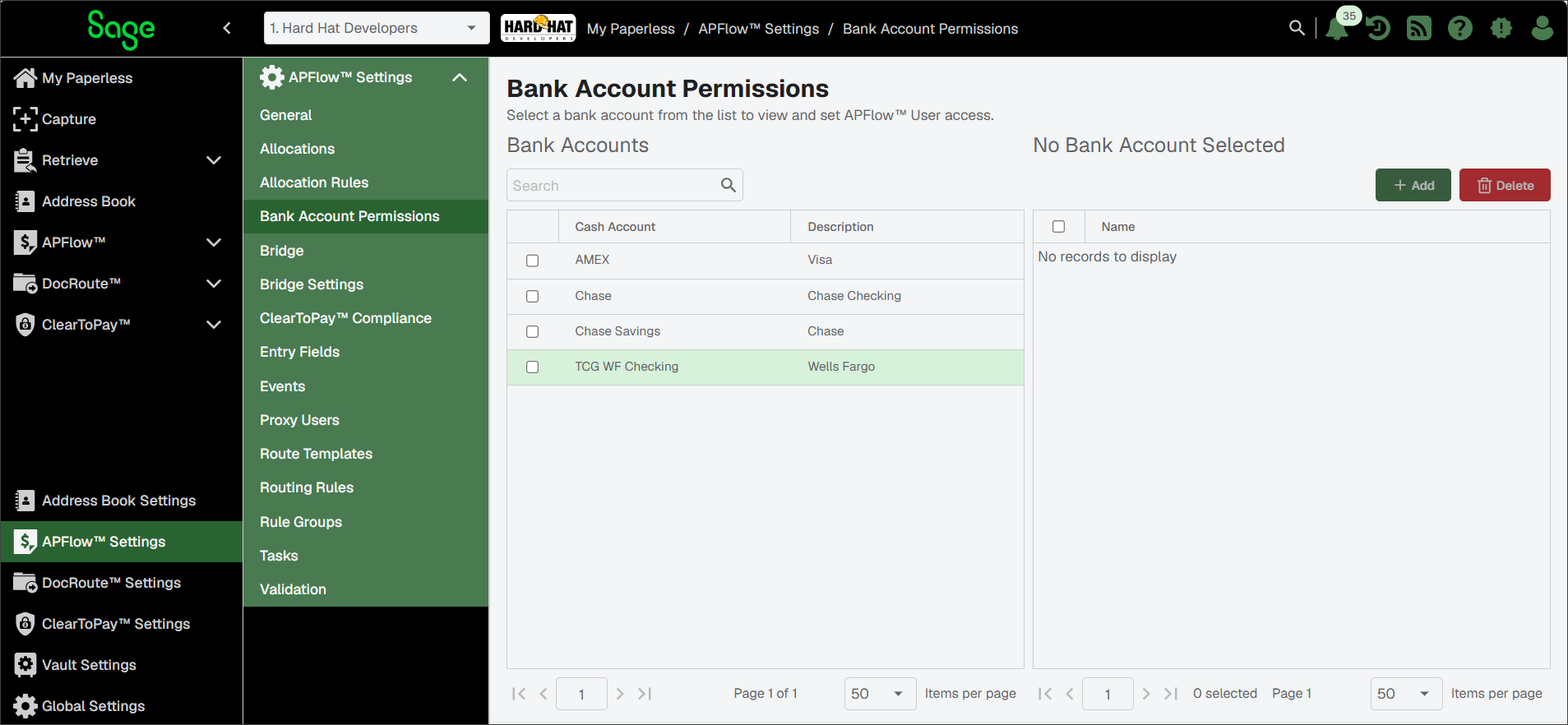
Click to highlight a bank account in the Bank Accounts list.
There are two ways you can assign assess to Users (with the Payment Manager role) to a bank account.
Click the username that displays in the Users with Access to Account pane.
Click to access the Add Users to Account dialog and select one fo the names listed.
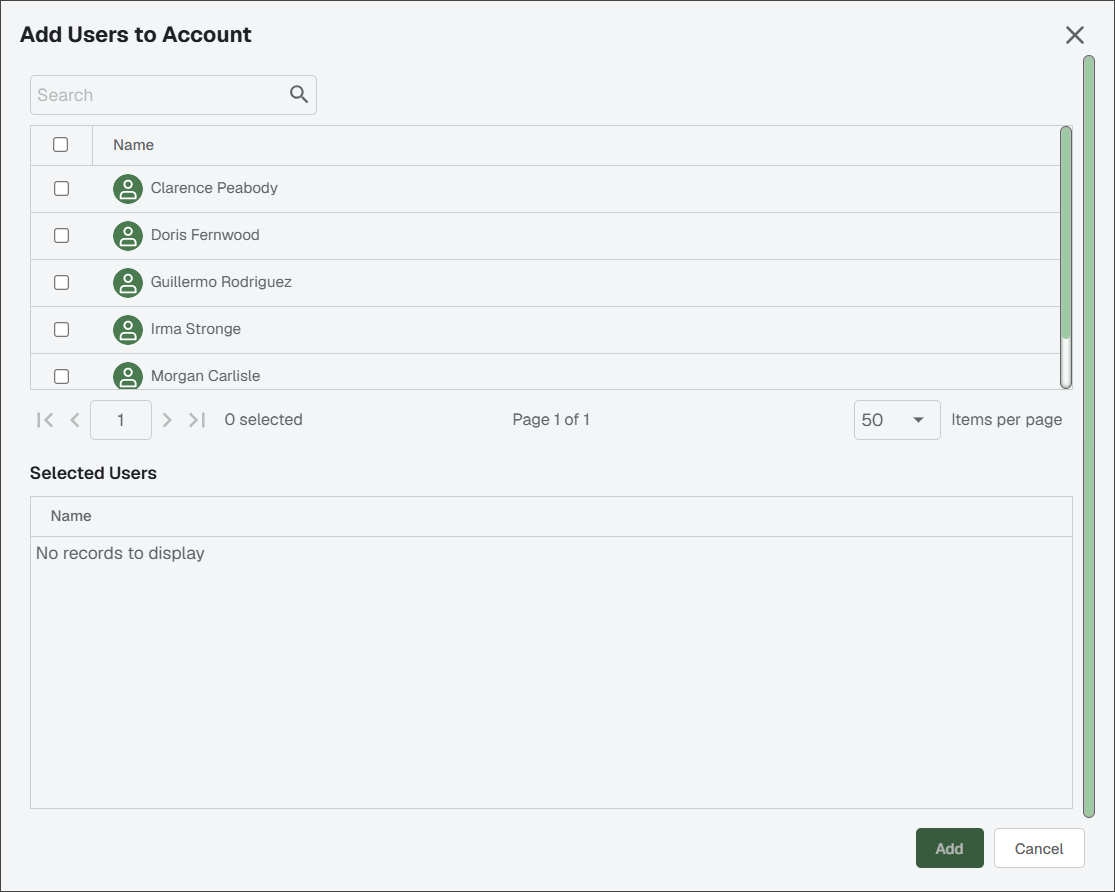
Continue to assign users to bank accounts as appropriate.