Company Insurance Policies
Important
You must be configured as with Compliance Manager or Auditor access permissions for the current vault to be able to view the Company pages within ClearToPay. Only a user with Compliance Manager permissions can edit this page.
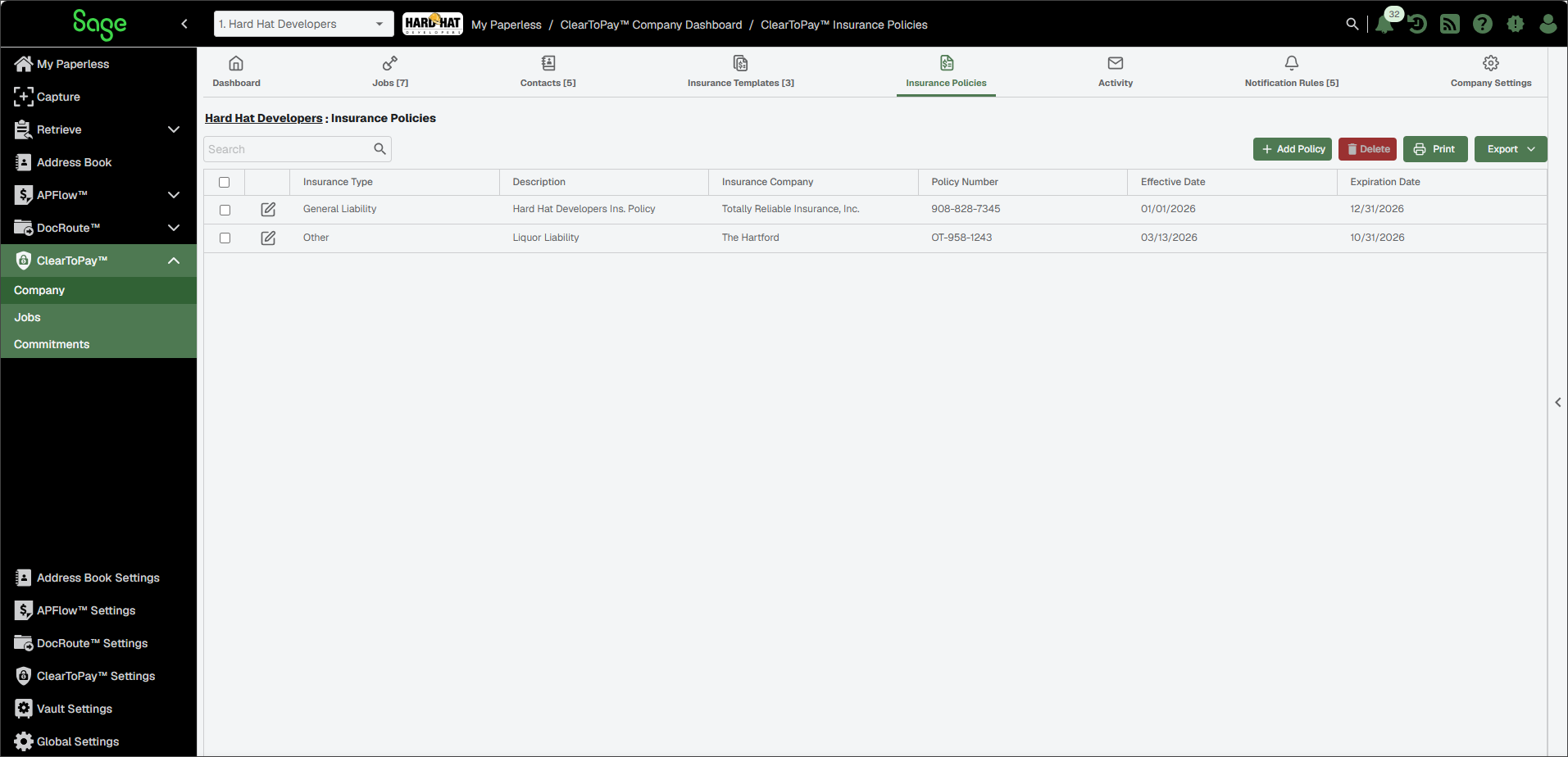
The company's Insurance Policies page provides a list of internal insurance providers and simplified tracking. Internal insurance policy expiration dates are monitored, but not their compliance.
From My Paperless, click .
In the ClearToPay™ navigation bar, click .
Click .
A page similar to the following displays:
Complete the following steps to add a new insurance policy for this company:
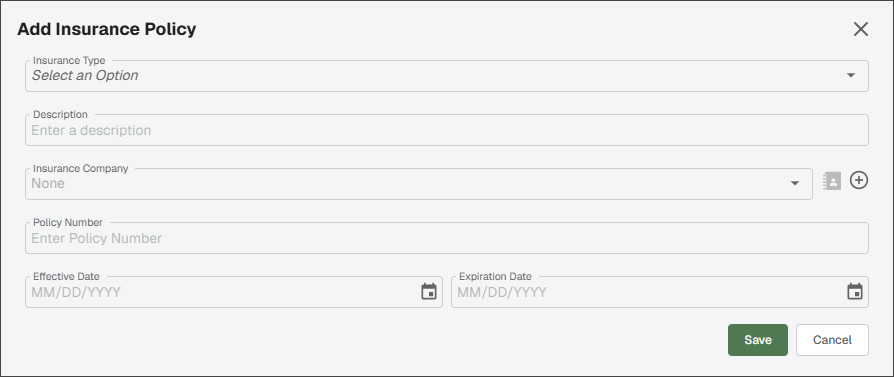
Click .
In the Add Insurance Policy dialog, enter the information in the fields shown below.
Tip
Use the documentation provided by your insurance provider for reference.
Select .
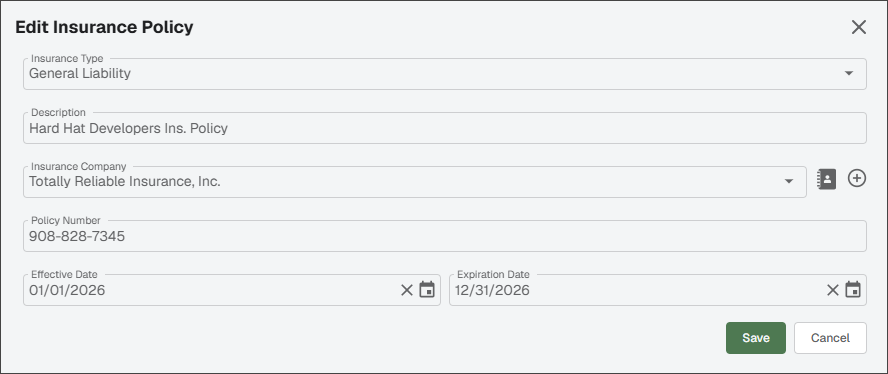
To edit the insurance policy information, click the Edit
 icon.
icon.In the Edit Insurance Policy dialog, make any necessary updates.
Click .
Select the check box(es) for the policy you want to delete.
Click the button.
In the confirmation dialog, click .