Approve Invoices
This is where Reviewers view and approve the invoices assigned to them by Processors.
From My Paperless, click .
From the APFlow™ navigation bar dropdown, click .
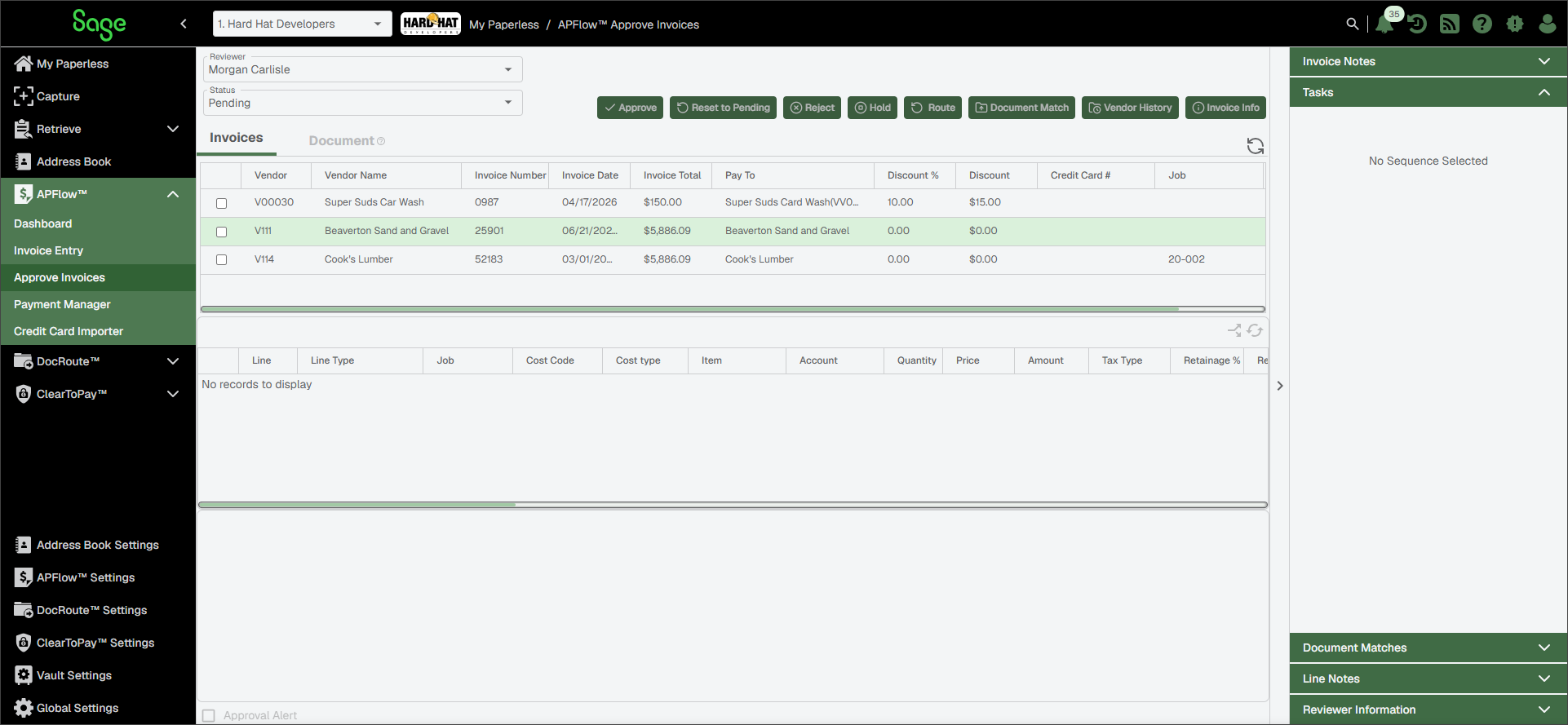
A page similar to the following displays:
This is where Reviewers view and approve the invoices assigned to them by Processors.
From My Paperless, click .
From the APFlow™ navigation bar dropdown, click .
A page similar to the following displays: