Secondary Vendors
Secondary vendors refer to those businesses/individuals from whom goods and services were purchased and were paid by credit card. The entries on the credit card statement are a record of those purchases.
From My Paperless, click .
From the APFlow™ navigation bar, click .
In the APFlow™ Queues page, select the appropriate processor and document status.
The Invoice Entry page displays:
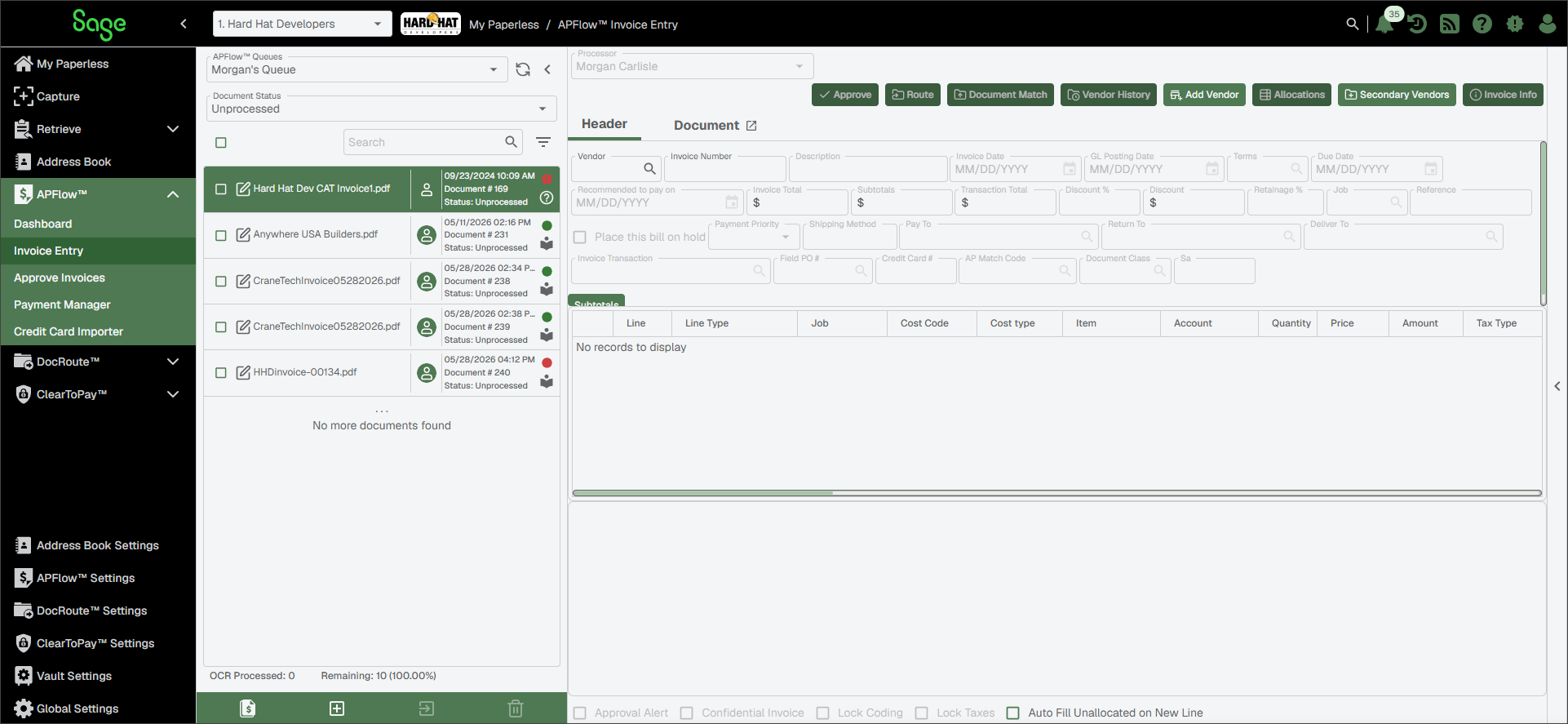
Click .
The Manage Secondary Vendors dialog similar to the following displays:
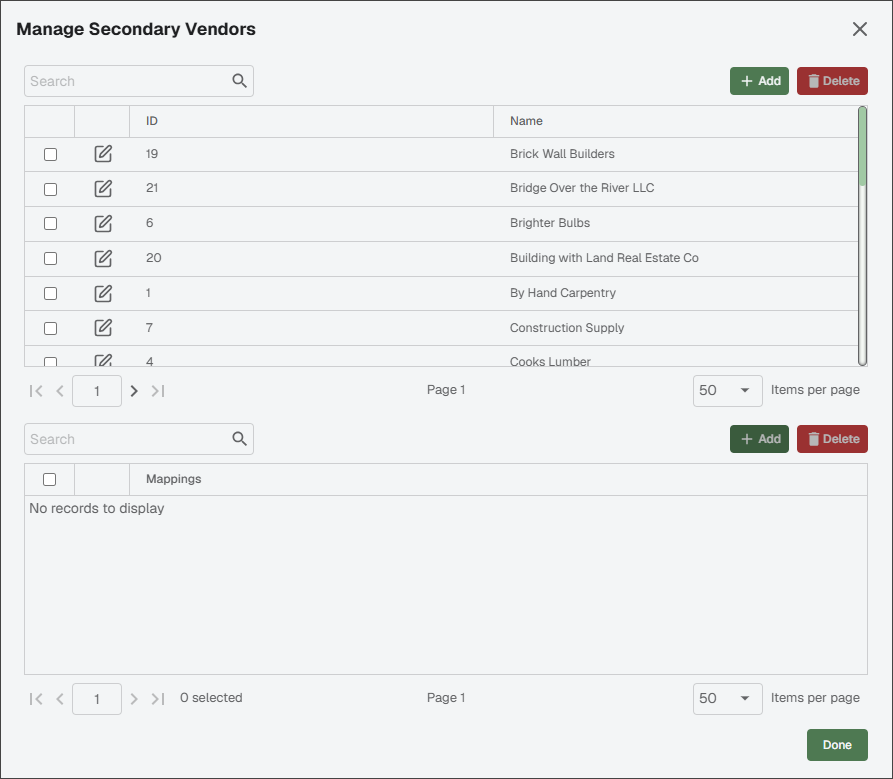
You can click at the top of the dialog to add a new secondary vendor to the list. If the vendor already exists, begin typing their name in the Search field to narrow the search list.
Select the vendor from the list.
Click .
The New Secondary Vendor Mapping dialog displays:
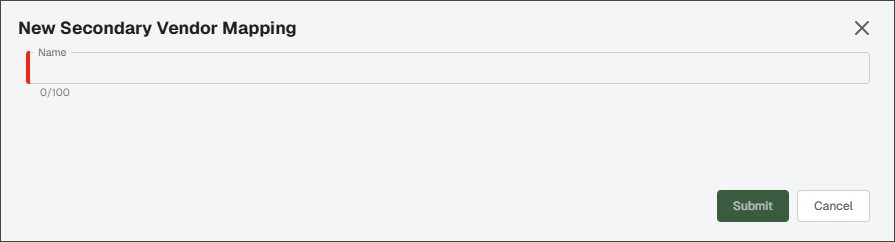
In the Name field, type the name for the mapping.
Click .
Click .