View Insurance Information
From one of the portal's job or vendor pages, click .
 |
The Insurance Policies page displays, and includes all your current policies, levels of coverage, effective and expiry dates, and any other contingent information that has been entered in ClearToPay™.
Note
This page is read-only. If you need to update your policy information, see Upload Insurance Certificate.
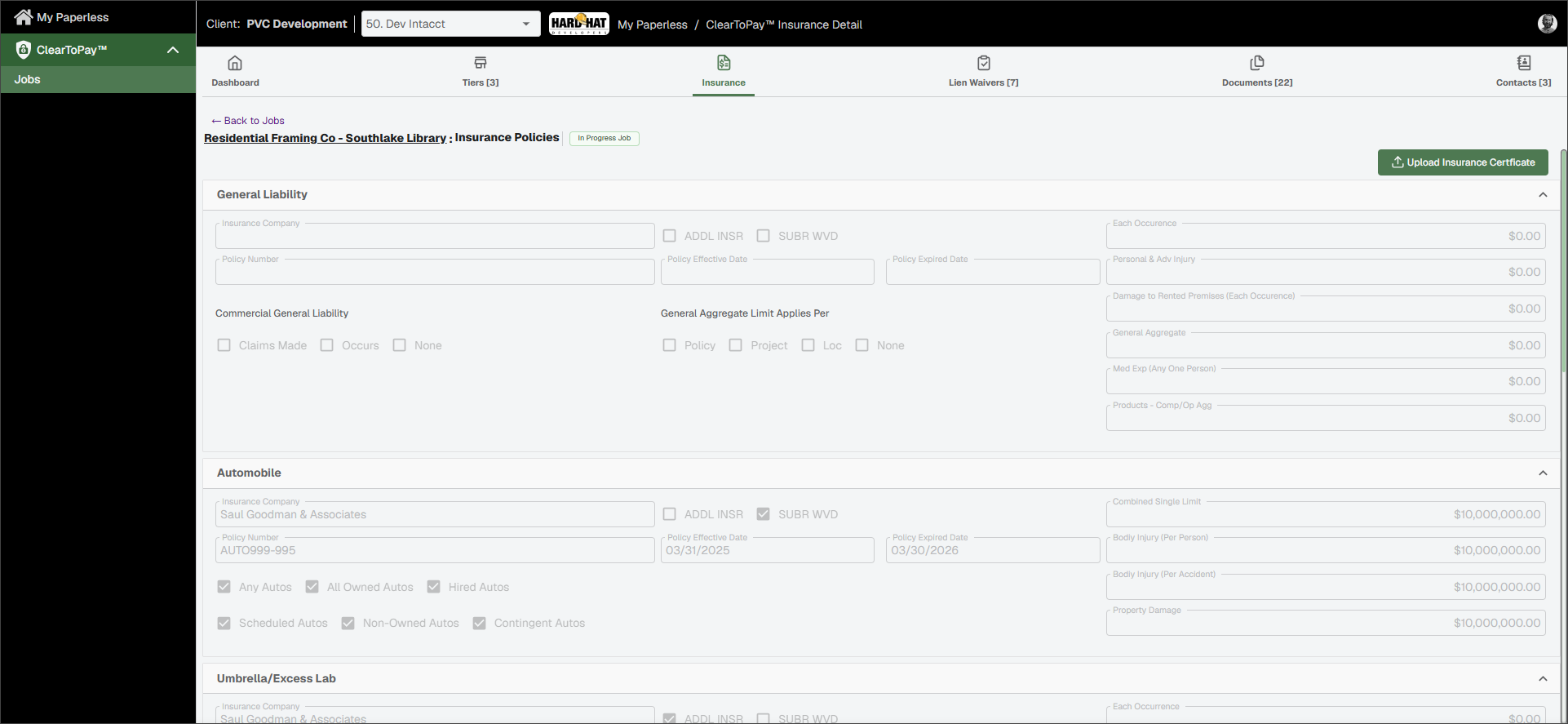
The following policies are available, but may not all be populated with information depending on the job's requirements:
General Liability
Automobile
Umbrella/Excess
Workers Comp
Professional Liability
Pollution Liability
Complete the following steps to upload an insurance certificate into the Sage Paperless Construction system:
From the Insurance Policies page, click .
Drag and drop or click to locate the file on your computer or mobile device.
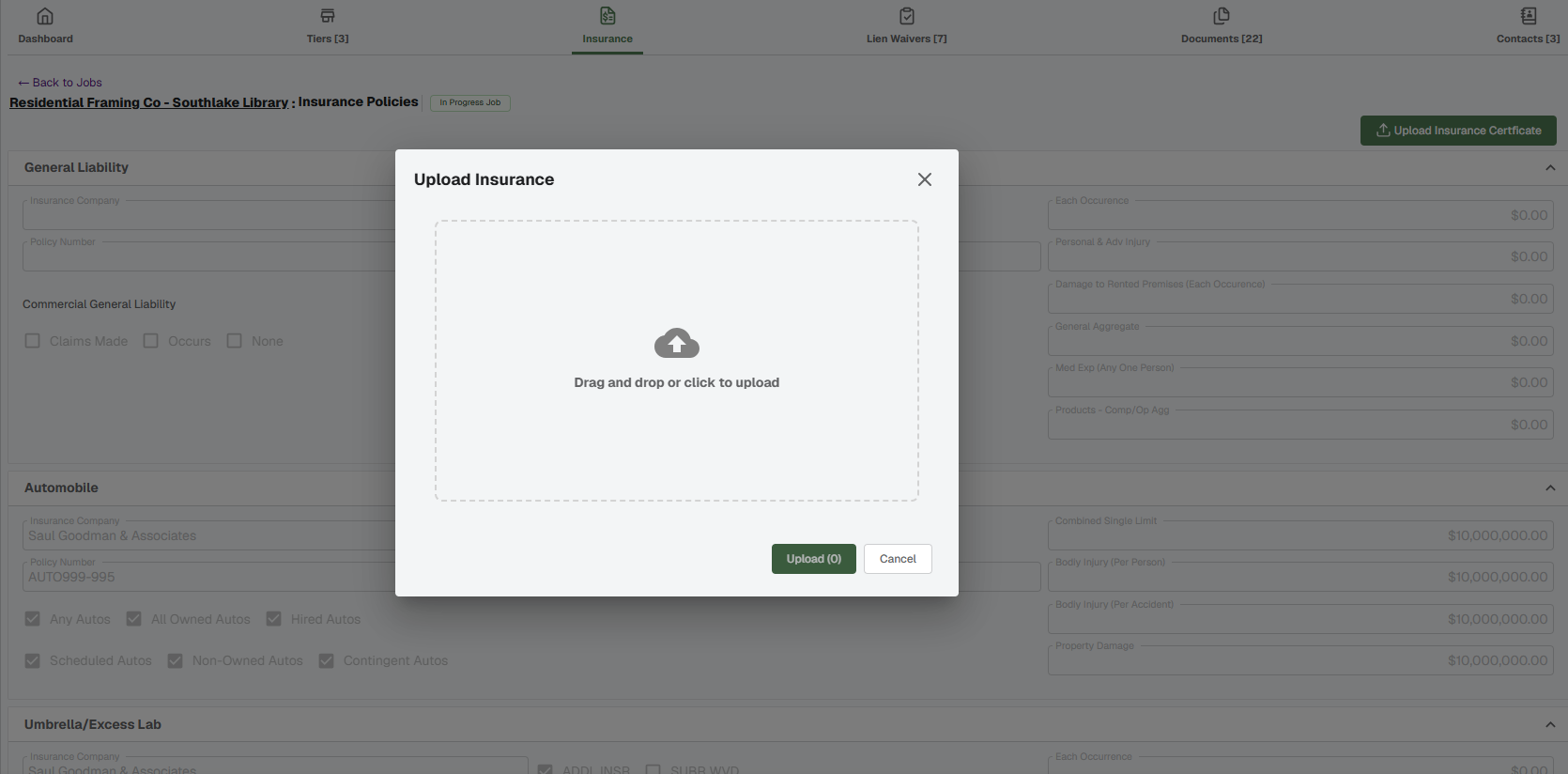
Click .
The document is uploaded into the system and routed to the correct individual for review and approval.