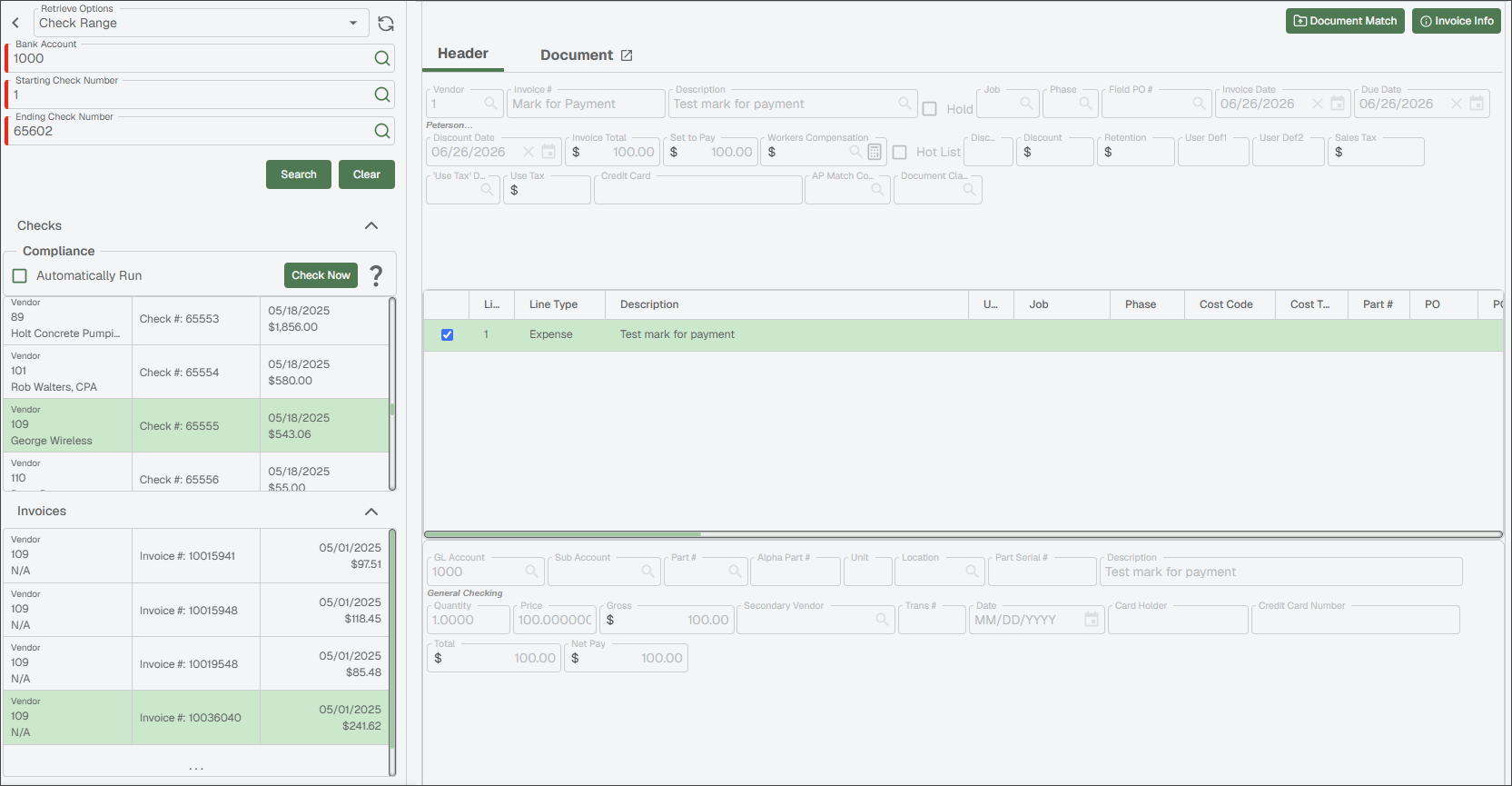
Review Checks and Associated Invoices
Highlight an entry in the Checks grid, and any invoices associated with that check display in the Invoices grid.
Click an entry in the Invoices grid to review that invoice's read-only invoice entry data.
Note
The associated invoice image only displays if it exists in the Sage Paperless Construction system. If the invoice only exists in your bridged accounting system, the invoice pane displays No Invoice Found.